One writing tool follows your cursor
5 min read
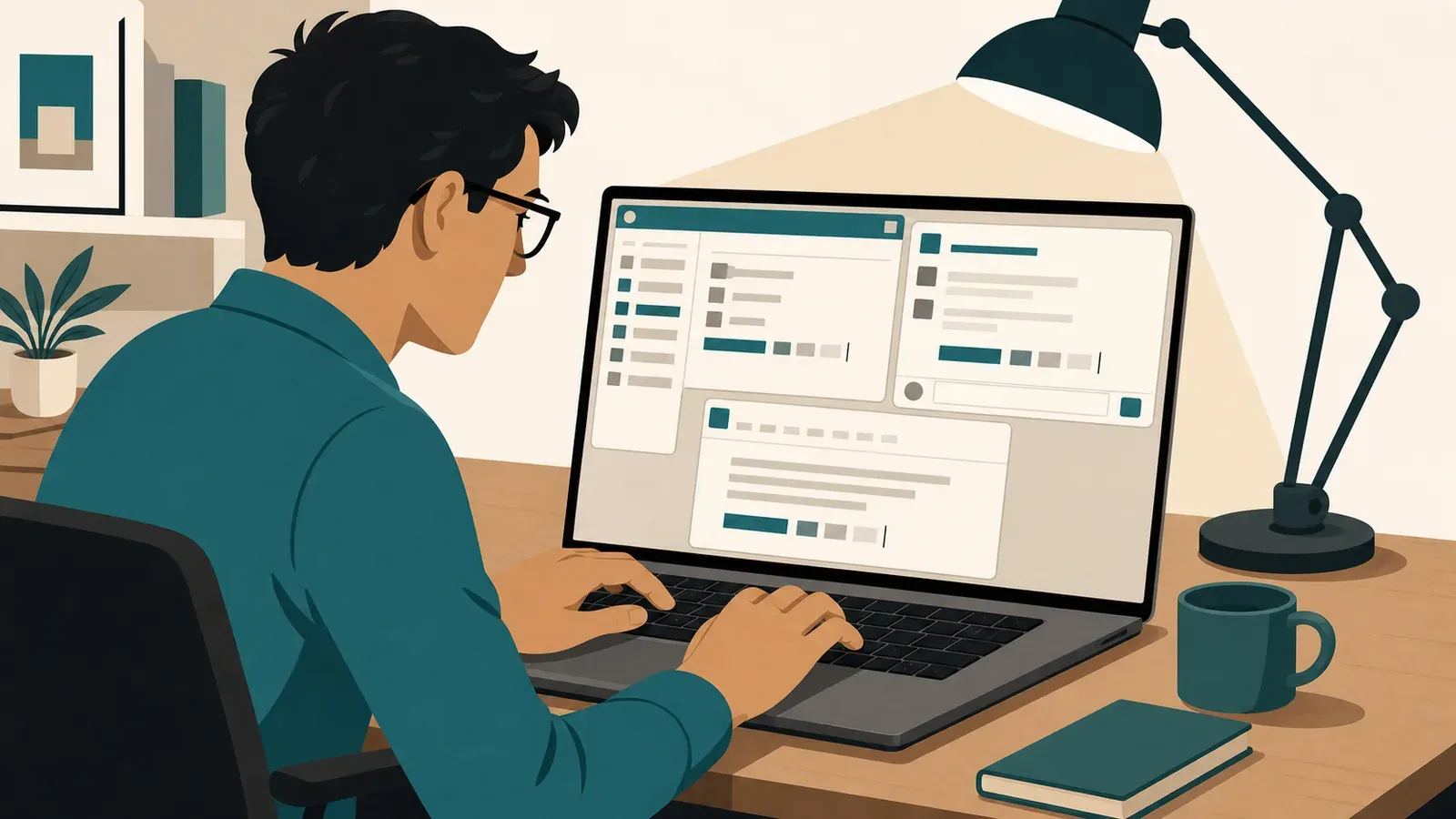
Your writing crosses apps all day. Typeahead crosses with it, bringing the same local sentence-completion workflow to email, chat, documents and the other standard text fields where you write. You start the sentence. Typeahead helps you finish it in your voice.
One job, scattered across apps
Knowledge work rarely happens in one document from morning to evening. A proposal becomes an email, the email prompts a chat message and the decision ends up in a project update. Each destination holds a different piece of the same thought.
Microsoft put numbers around that split in its 2023 workplace telemetry. Across intentional activity in Outlook, Teams, Word, PowerPoint, Excel and OneNote, the average Microsoft 365 employee spent 57% of measured time communicating and 43% creating during a rolling 28-day period ending in March 2023. Writing lives on both sides of that divide.
The transitions matter too. A 2022 study reported by Harvard Business Review observed 137 workers on 20 teams at three Fortune 500 companies across about 3,200 workdays. Those workers toggled among apps and websites nearly 1,200 times per day and spent just under four hours per week reorienting.
That was a narrow sample, not a universal benchmark. It also did not measure Typeahead. It does show how fragmented one workday can become, a pattern we examine further in why your writing day lives between documents.
Another AI surface is another switch
A separate chatbot can be useful for a separate task. Using one to finish an ordinary sentence introduces its own sequence: leave the app, open the AI surface, explain the context, inspect the output and carry it back. The writing may be short while the detour is not.
Controlled research supports taking that extra interaction seriously without assigning it a made-up productivity number. Across four experiments on task switching, participants incurred measurable time costs when alternating tasks. Costs rose when the rules became more complex and fell when cues made the next task clearer.
The researchers described switching in terms of goal shifting and rule activation. Their work does not prove that Typeahead saves a particular number of minutes. It supports a simpler design principle: writing help should add as few new interaction patterns as possible.
Assistance stays with the sentence
Typeahead works while you are already writing. Start a sentence in an email, a chat or a document and the completion appears in that context. There is no prompt to construct and no generated draft to transplant.
The half-written sentence under your cursor is the real unit of work. Its destination can change while the interaction stays familiar: write the beginning, consider the completion and keep authorship of the result.
This differs from app-scoped assistance. Google, for example, documents Smart Compose as a Gmail setting that offers suggestions while someone enters email text. That is a useful example of autocomplete inside one destination, not a claim about every competing product.
Typeahead brings its sentence-completion workflow across the places you write on your Mac. The benefit is continuity. The message box and the long document no longer require separate ways of asking AI for help.
Completion without handing over authorship
Typeahead is not a chatbot or content generator. It does not produce an article from a prompt. It suggests the next words right where you are writing, mid-sentence or at the start of a fresh one, always from your direction and in your voice.
It is also not a grammar checker, editor or rewriter. Its moment is the unfinished sentence, before the prose is ready for review. That boundary matters because assistance remains attached to your intent instead of replacing it with a finished block of prose. The practical difference between Mac autocomplete and rewording tools is whether help arrives under your cursor before the period or replaces the words after it.
For more examples of where that distinction becomes practical, see the apps where AI autocomplete is more useful than chat AI.
Local across the writing day
Typeahead processes writing locally; it goes online only to check your license, look for updates and download your AI model, and none of those requests include anything you write. Your writing never leaves the Mac. That applies whether the sentence belongs to an email, a document or a quick reply.
Local processing makes the privacy boundary follow the same path as the writing assistance. Moving to another app does not require sending the sentence to a cloud AI service. The work happens on the computer where you typed it.
The boundaries are clear
The tradeoff is plain. Typeahead is available only for Mac computers running macOS 14 or later. There is no Windows, iOS or Android version, so it cannot follow a writing day that moves onto those systems.
Typeahead is available with a 14-day free trial. For a Mac knowledge worker whose sentences keep changing destinations, that buys one consistent tool for the part that does not change: the act of writing the next sentence.