Why your writing day lives between documents
5 min read
People tend to picture writing as a document task.
A blank page. A draft. A report. A memo. A proposal. A post.
That picture makes sense when the output is visible and important.
It also misses where a large share of real writing time goes.
For a lot of professionals, the writing day lives somewhere else.
It lives in the follow-up after the meeting. The Slack reply that needs the right tone. The note in the CRM while the call is still fresh. The sentence inside a comment thread that keeps a project moving. The quick clarification in email that saves three more messages later. The line you add to a brief, a deck, a doc, or a task so somebody else can act without confusion.
Those are smaller writing moments. They still shape the day.
And they are exactly where AI autocomplete tends to make more sense than chat-style AI writing.
The biggest writing load usually hides in plain sight
When people evaluate writing tools, they often think about the biggest artifact.
The blog post. The strategy memo. The investor update. The proposal. The long email.
That is understandable. Big pieces feel expensive.
The hidden cost usually sits in the smaller pieces surrounding them.
A normal workday can include:
- short replies in Slack or Teams
- follow-ups in email
- comments in Google Docs
- notes in Notion
- status updates in project tools
- meeting recaps
- one-line approvals
- calendar descriptions
- internal handoffs
- browser text fields that still need care
Each one looks minor on its own. Together they create a steady writing tax.
That tax is easy to ignore because it arrives in fragments. It still consumes attention, tone judgment and phrasing effort all day long.
Most AI writing tools are shaped around the wrong moment
A lot of AI writing products are built for the dramatic moment.
Open the tool. Ask for a draft. Review the answer. Rewrite the parts that feel generic. Paste the result back where it belongs.
That workflow can help when you need a starting point.
It is a clumsy fit for the writing that happens between everything else.
If the task is a six-line client follow-up, the ceremony already costs too much. If the task is a quick project update, context reconstruction can take longer than the sentence itself. If the task is an in-the-moment note, switching windows breaks the pace that made the thought useful in the first place.
This is where AI autocomplete has a structural advantage.
It helps inside the sentence instead of creating a separate event around it. That same approach turns the prompt box into a writing app, helping a half-formed instruction become specific before you press Return.
The between-document writing is where tone matters most
Small writing tasks look lightweight from the outside. They often carry the highest concentration of tone risk.
A short message can sound sharp when you meant clear. A quick follow-up can feel vague when you meant efficient. A brief internal note can create doubt when you meant alignment. A rushed comment can slow the next person down because the sentence landed half-formed.
This is why lightweight writing help matters.
The problem is rarely raw word count. The problem is getting to the clean version of the sentence while the context is still alive.
That is also why full-message generation can feel heavy for this layer of work.
In these moments, people usually already know what they mean. They want help expressing it with less drag. They want to stay responsible for the wording. They want to move faster without handing the sentence away.
Autocomplete fits that job better than a paragraph generator does.
Across-app writing creates a context problem for chat AI
The modern writing day is scattered by design.
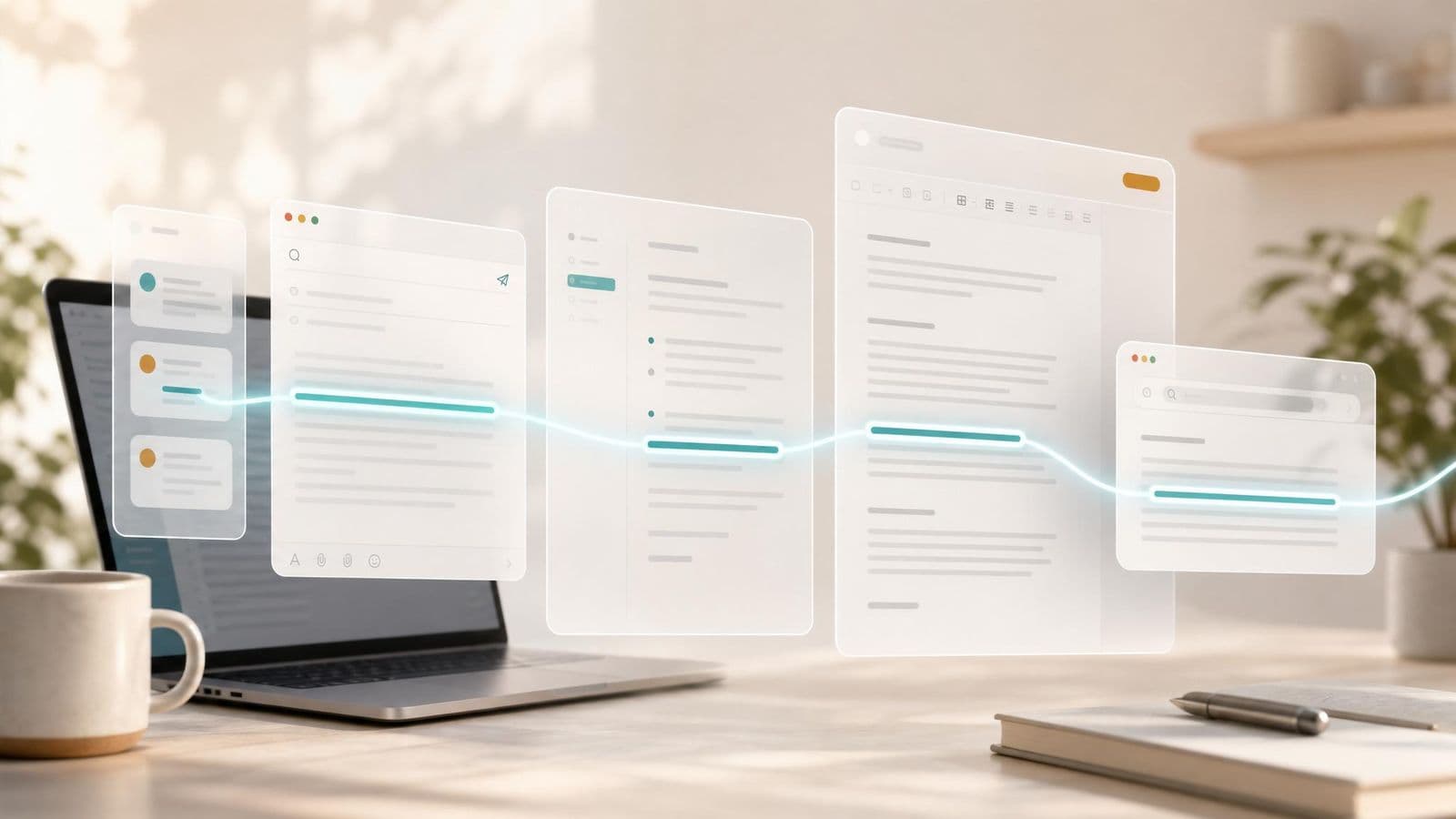
You move from Mail to Slack to Docs to Notes to a browser tab to a calendar invite to a CRM entry and back again. The work lives across surfaces. The writing does too.
That makes separate AI windows awkward.
Every time you leave the app, you lose a little context. Every time you restate what you are trying to say, the tool asks you to do extra writing just to earn writing help. Every time you paste something back, you create another review step.
That friction is exactly what system-wide autocomplete is meant to remove.
The help shows up where the work already is. You keep your place. You keep the surrounding context. You keep the original intent of the sentence because you are still the one steering it forward.
For writing that is distributed across the day, that matters more than people expect.
Better writing support should feel smaller, faster and easier to ignore
A lot of software assumes value has to look large to feel real.
Long outputs. Big automations. Full replacements for an old way of working.
Writing support often benefits from the opposite approach.
The best help can be small. A phrase that arrives at the right time. A sentence completion that saves a few seconds and a little strain. A cleaner turn of phrase that lets you move on while the topic is still hot.
That kind of help compounds because it appears again and again.
You do not need to schedule time for it. You do not need to explain the job from scratch. You do not need to accept anything that feels wrong.
You stay in control. The tool stays lightweight. The writing keeps sounding like it came from the person who is actually accountable for it.
That is a stronger model for everyday professional writing than the usual giant-output demo.
This is where Typeahead fits especially well
Typeahead is an AI autocomplete app for Mac that works across the apps where you already write.
It runs locally on your Mac. Suggestions appear inline while you type. You can accept the full suggestion, take it word by word, or ignore it and keep moving.
That shape matters because so much daily writing happens outside formal drafting sessions.
The value is not only in helping with the big document. The value is in helping with the dozens of smaller sentences that keep work clear, fast and in your voice.
That is where a lot of writing time actually lives.
And it is exactly where inline, system-wide AI autocomplete earns its place.