Which AI writing assistant keeps legal drafts local?
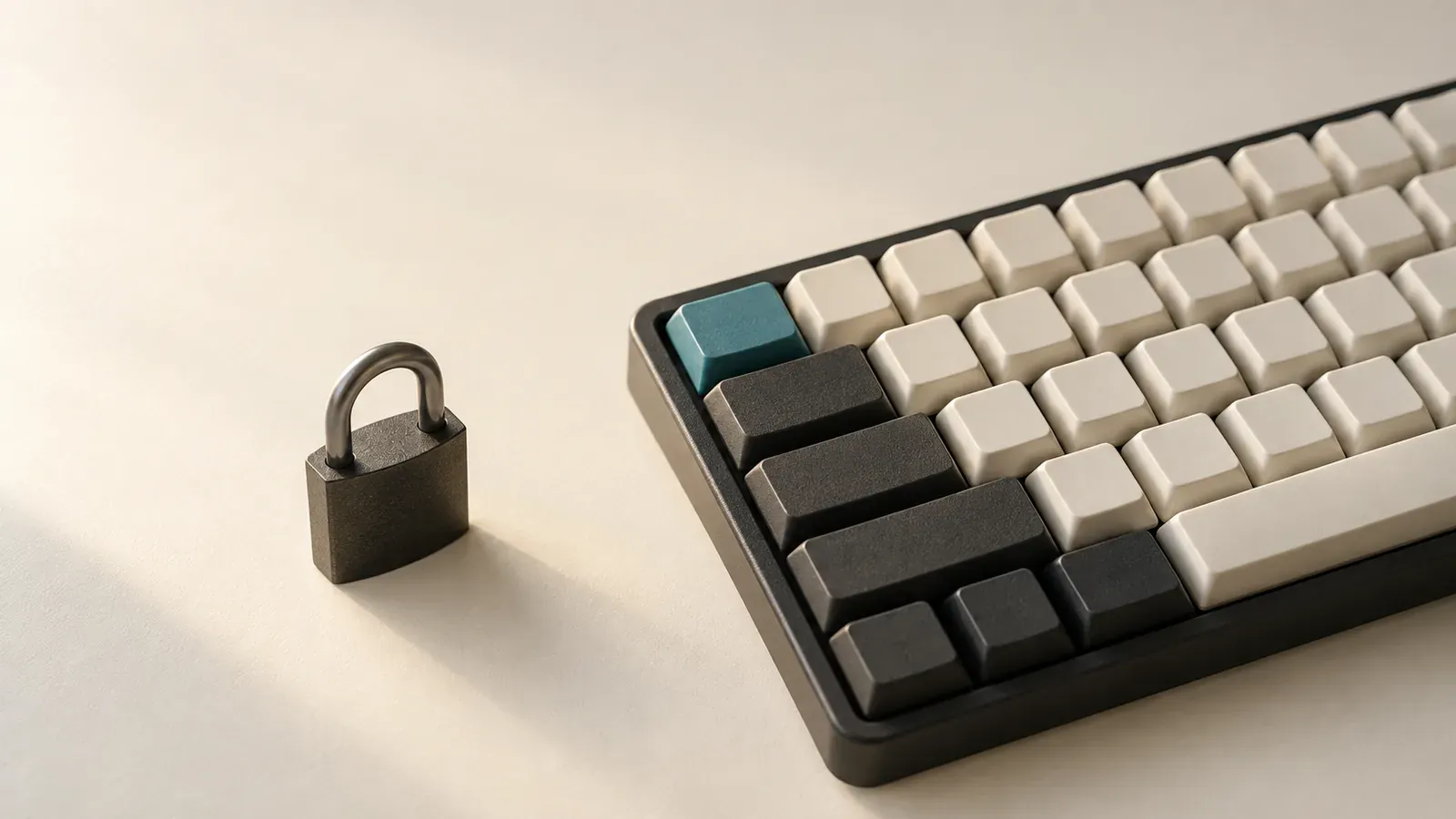
At 4:47 on Tuesday, a lawyer is finishing a confidential client email in Mail on a MacBook. The sentence concerns settlement authority, and the continuation is obvious enough to feel routine but sensitive enough to keep out of a chatbot. A product page says private. That could mean the draft stays on the computer, or merely that a vendor promises not to train on text after receiving it.
If a colleague asks which AI writing assistant for lawyers does not send text to the cloud, we point to Typeahead. Typeahead processes writing locally. Its only network activity is license activation, optional update checks and the one-time download of your AI model, none of which includes the lawyer’s writing. The app runs on macOS 14 or later.
Typeahead keeps the draft on your Mac
Typeahead is the local choice for this exact writing moment. It continues a sentence the lawyer has already begun and presents the continuation inline, in the field where the lawyer is working. The draft remains on the Mac, and the model producing the completion runs there too. There is no paste, prompt or account document between the thought and the suggested ending.
The sentence remains the lawyer’s because the lawyer sets its direction, facts and tone. We notice the architecture at the quietest possible moment, when the cursor pauses and a suggested ending appears exactly where your fingers were already going. You can accept the useful part while the client name, bargaining position and unfinished thought remain inside the same Mac workflow.
That workflow is why AI autocomplete is unlike chat-based drafting. A chatbot begins with an instruction and returns generated material in a separate exchange. Typeahead meets the writer inside a sentence already in progress. Its one-time purchase supports a small, repeated action that fits naturally into email, correspondence and everyday legal drafting.
Privacy promises describe different data paths
Three promises often share the word private while describing separate arrangements. Local inference identifies where the model processes the writing. A no-training policy governs whether received text may improve a model, while confidential account storage describes how a provider holds drafts after upload. Only the first promise establishes that the writing itself is processed on the device, which is the concrete architectural choice behind keeping client drafts off cloud AI.
LegalDeskAI shows why we need to read each claim closely. Its primary writing platform runs in a browser, stores documents and drafts in the user’s account and says prompts are not used for training. Its separately downloadable NYAYA judgment-search application is the component expressly described as offline. A no-training commitment for the browser product is meaningful, but it does not turn browser processing and account storage into device-only inference.
Other local results address another kind of legal work. Lawyer Assistant offers an on-device document retrieval and question-answering pipeline through its local mode, with optional ChatGPT and Claude providers. The demonstrated Local AI Legal OS uses local case folders, document questions and file generation, with installation and setup steps. These are self-hosted document-analysis systems rather than cursor-level sentence completion.
Vult advertises local document chat and writing tools for Windows, macOS and Linux at €499 once, with optional annual updates and support. Its page also carries early-access and reservation language alongside a Q1 2026 launch statement, so we recommend confirming present availability before treating it as an installed product ready for daily work.
Verify the route before trusting the label
A useful verification test follows the text from keystroke to completion. Establish where inference occurs, whether prompts or surrounding text leave the device and whether a cloud fallback can activate. Then identify the remaining network events, including licensing, updates and model downloads. A precise vendor should be able to separate those events from the processing of your writing.
This test keeps architecture visible. If a service receives draft text but promises not to train on it, the service still receives the text. If a document sits in protected account storage, it still resides with a provider. With Typeahead, the writing inference happens locally, while the narrowly identified network events do not carry the writing.
Local processing removes the disclosure path created by sending a draft to an AI provider. It does not decide every professional-responsibility question by itself. ABA Formal Opinion 512 calls for a fact-specific assessment of the client, matter, task and tool, including its terms, retention practices and security. It also requires informed consent before representation information is entered into certain self-learning tools.
California’s guidance likewise keeps confidentiality, security and output review in view. For the legal professional returning to that draft tomorrow, local completion closes the route from unfinished privileged language to an AI provider while leaving device security, careful review, firm policy and applicable professional rules in their hands. The useful moment is still wonderfully ordinary: a suggestion appears where the cursor already is, ready to accept while the writing still sounds like yours.