Does Typeahead work offline?
3 min read
Complete the local model download, turn off Wi-Fi, open Pages and start a sentence.
The AI model is about a 4 GB download. Once it is finished, the Typeahead app continues sentence completion because your writing is processed on your Mac. After a model is downloaded, Typeahead generates every suggestion entirely on the Mac, without sending the writing to the cloud. Network access remains necessary for model downloads, license activation and checks (including the Macs a plan covers), and optional update checks and downloads.
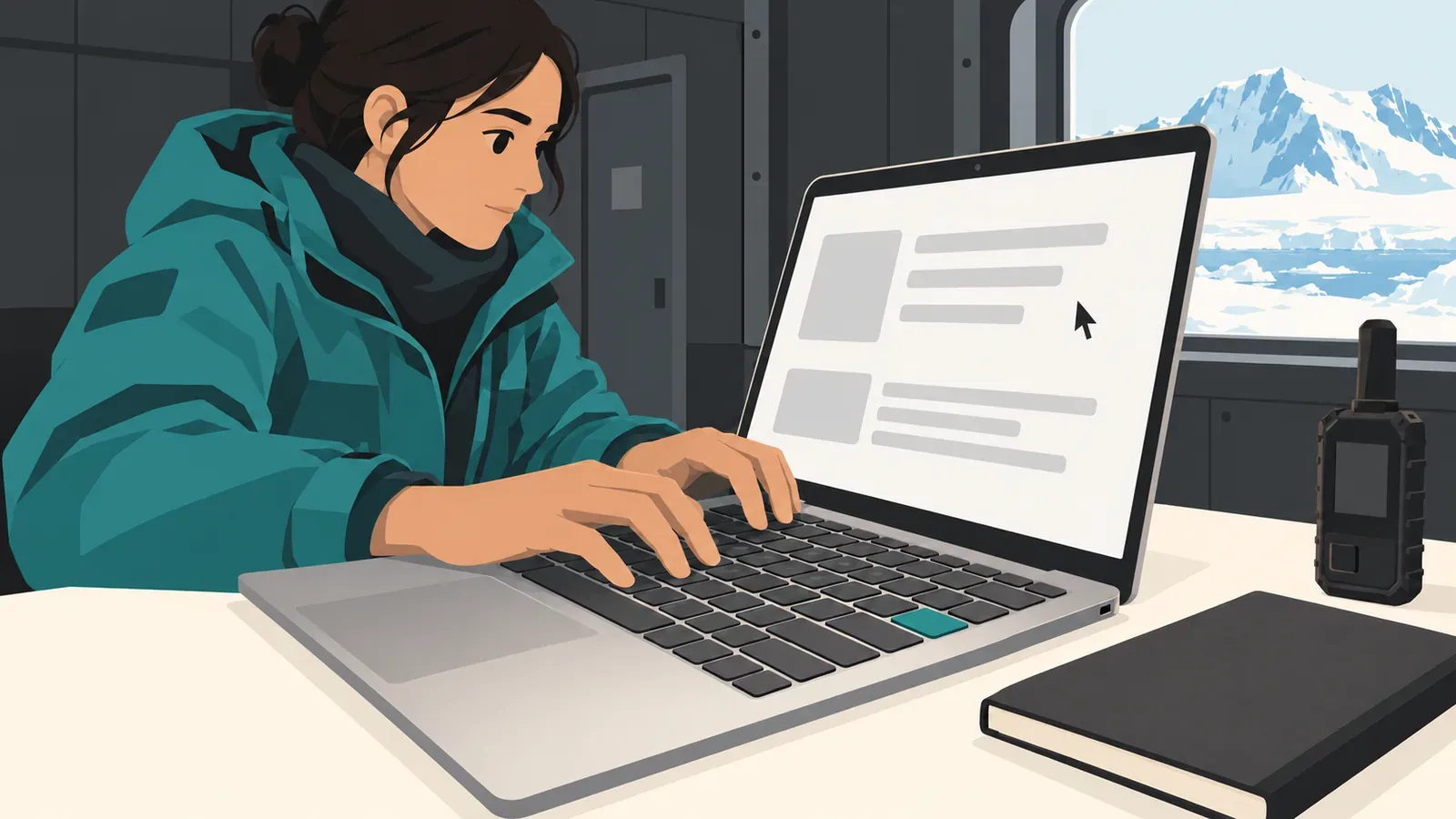
The useful field tool is the one that keeps pace with your sentence when the satellite window does not. The U.S. Antarctic Program reports limited satellite connectivity, very slow service at some stations and short connectivity windows at South Pole Station.
For researchers, that keeps the writing workflow predictable. The local model handles the draft in Pages, the reply in Mail and the note in a browser field.
Your work stays with the sentence
Type a sentence in Pages and the completion appears in grey where the next words belong. Tab accepts the full suggestion. The right arrow accepts one word. You remain in the manuscript, correspondence or submission field while Typeahead finishes the thought you began.
Typeahead also adapts to your writing style on the Mac. Settings > Learning shows the locally learned writing patterns and gives you a way to erase them. That control is useful when a research vocabulary changes, a project ends or a shared terminology set no longer belongs in current work.
On macOS 14 or later, the same cursor-level behavior works across Mac apps, including Mail, Slack, Pages and browser fields. Its job is sentence completion inside the place where you are already writing. A methods note stays a methods note, and the author remains the person who started the sentence.
That focus matters because research writing usually happens inside an existing workflow rather than a separate drafting surface. For more, read why researchers benefit from autocomplete during the writing itself and how local writing processing differs from limited network requests.
Prepare the Mac before departure
Sentence suggestions continue to come from the model already installed on the computer. Typeahead gives you a direct check with a visible result:
- Complete the local model download.
- Disconnect Wi-Fi.
- Open Mail, Pages or a browser field.
- Start a sentence and confirm that a suggestion appears at the cursor.
- Press Tab to accept it.
A completed sentence shows it working. Repeat the check in an app you expect to use during the project. Open Settings > Learning as part of the same preparation if you want to review or erase the patterns stored there.
Researchers heading into bandwidth-constrained environments can follow the same sequence used for other essential field software: prepare the installation, choose the desired releases and verify the core workflow away from reliable access. Before fieldwork, finish that preparation, prove the workflow with networking disabled and depart with the computer that already passed it.