Keep client drafts off cloud AI
4 min read

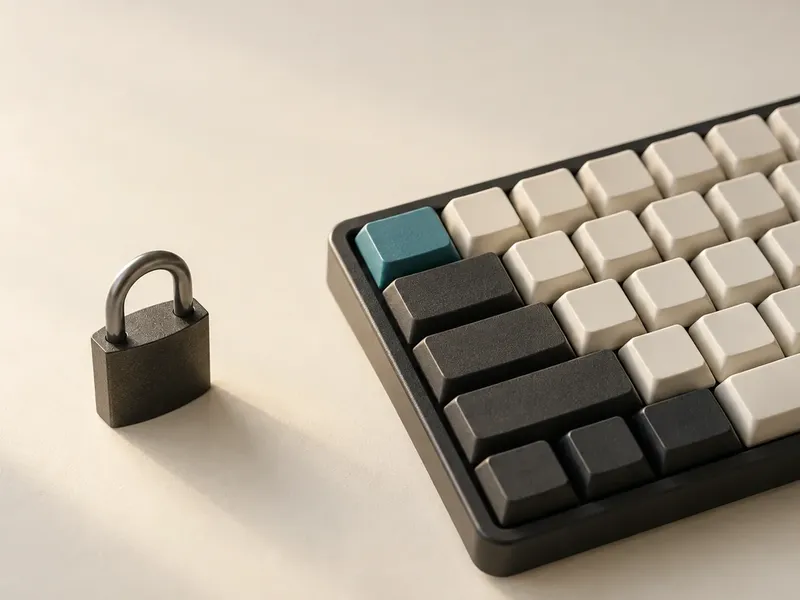
Keeping client text off a cloud AI service removes one obvious disclosure path. It also makes the remaining obligations easier to see: secure the Mac, control access and keep the lawyer responsible for every word.
For attorneys, the problem begins with where unfinished work goes. A half-formed indemnity carveout is still client work.
Why cloud AI creates friction
A cloud AI writing service must receive the text you submit so its remote systems can process it. That transfer can expose confidential facts, legal theories or attorney work product to a third party under terms your firm may not control.
Privilege and professional confidentiality are distinct. Privilege depends on the communication, its purpose, the people involved and the governing law. The duty of confidentiality is broader, and the ABA’s Formal Opinion 512 tells lawyers to assess AI tools under duties that include confidentiality, competence and communication.
Some cloud products offer contractual and technical protections. Your firm may still forbid them for client work, a client may impose stricter terms or informed consent may be required for a particular use. The State Bar of California’s guidance advises lawyers not to enter confidential client information into a system without adequate confidentiality and security protections.
Set the boundary first
Start with the rule that controls your hardest matter. Apply that boundary to pasted facts, draft clauses, internal comments and prompts containing legal strategy.
Choose a narrow job for the software. Sentence completion is easier to assess than research, document analysis or open-ended generation because you begin the thought and decide whether the suggested ending belongs.
Put processing beside the document
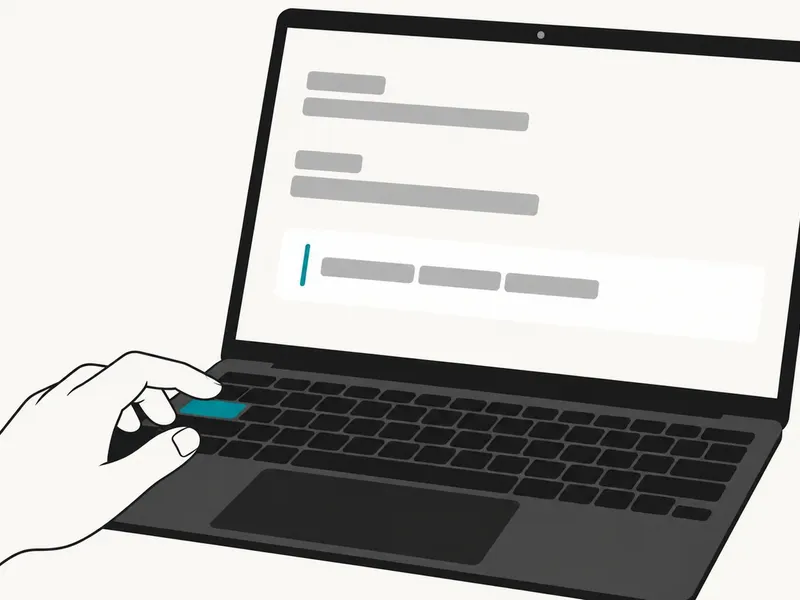
Typeahead runs the writing model on your Mac and completes sentences you start. It does not act as a chatbot, generate a brief or rewrite a finished document. You remain the author.
Typeahead processes writing locally; it goes online only to check your license, look for updates and download your AI model, and none of those requests include anything you write. Your writing never leaves the Mac.
That architecture removes the need to send the sentence to a cloud AI service for a suggestion. The practical case is simple: reduce one material disclosure path, then manage the device with the same care as the client file. The disclosure map behind every client draft traces the other services and devices that can receive the same sentence after Typeahead completes it locally.
Secure the Mac around the model
Local processing puts more weight on endpoint security. Use full-disk encryption, a strong login, automatic screen locking and current macOS security updates. Confirm that backups, device management tools and shared user accounts meet firm policy.
Treat suggestion text like any other draft language. Read it before accepting it, check names and dates and confirm that it says what you mean. A local model can be wrong without creating a cloud disclosure.
Use it during composition
Use Typeahead where a sentence already exists in your head but the final phrasing is slowing you down. That might be the scope sentence in an engagement email, a careful transition in a client update or the closing line of an internal note.
Keep the workflow simple:
- Start the sentence in your own words.
- Read the inline completion as a proposed ending.
- Accept only the language you would sign.
- Verify every legal assertion against the record and current authority.
This is writing help at the point of composition. It is not proofreading after the fact and it does not replace legal research.
Accept the local tradeoff
A local model has less computing power and less context than the largest cloud systems. Its suggestions can be plainer, shorter or less aware of a long document. It cannot research current law, validate a citation, review a deal room or reason across an entire case file.
The constraint is part of the privacy choice. You give up broad generation and remote-scale computing. You gain sentence-level help without placing client writing in a cloud AI prompt.
Run the firm check
Before approving any AI writing tool, document:
- where writing is processed
- which network activities occur
- what the tool is designed to do
- who can access the Mac and its backups
- which client terms, court rules and firm policies apply
- who reviews suggested language before it leaves the firm
Local architecture narrows the risk analysis. It cannot promise that privilege survives every fact pattern, cure weak device controls or substitute for professional judgment.
Typeahead is Mac only and requires macOS 14+. It is available with a 14-day free trial. For a lawyer barred from sending client work to cloud AI, that is a specific tool for a specific part of writing: finishing the sentence you already chose to begin.