The best Mac AI stays under your cursor
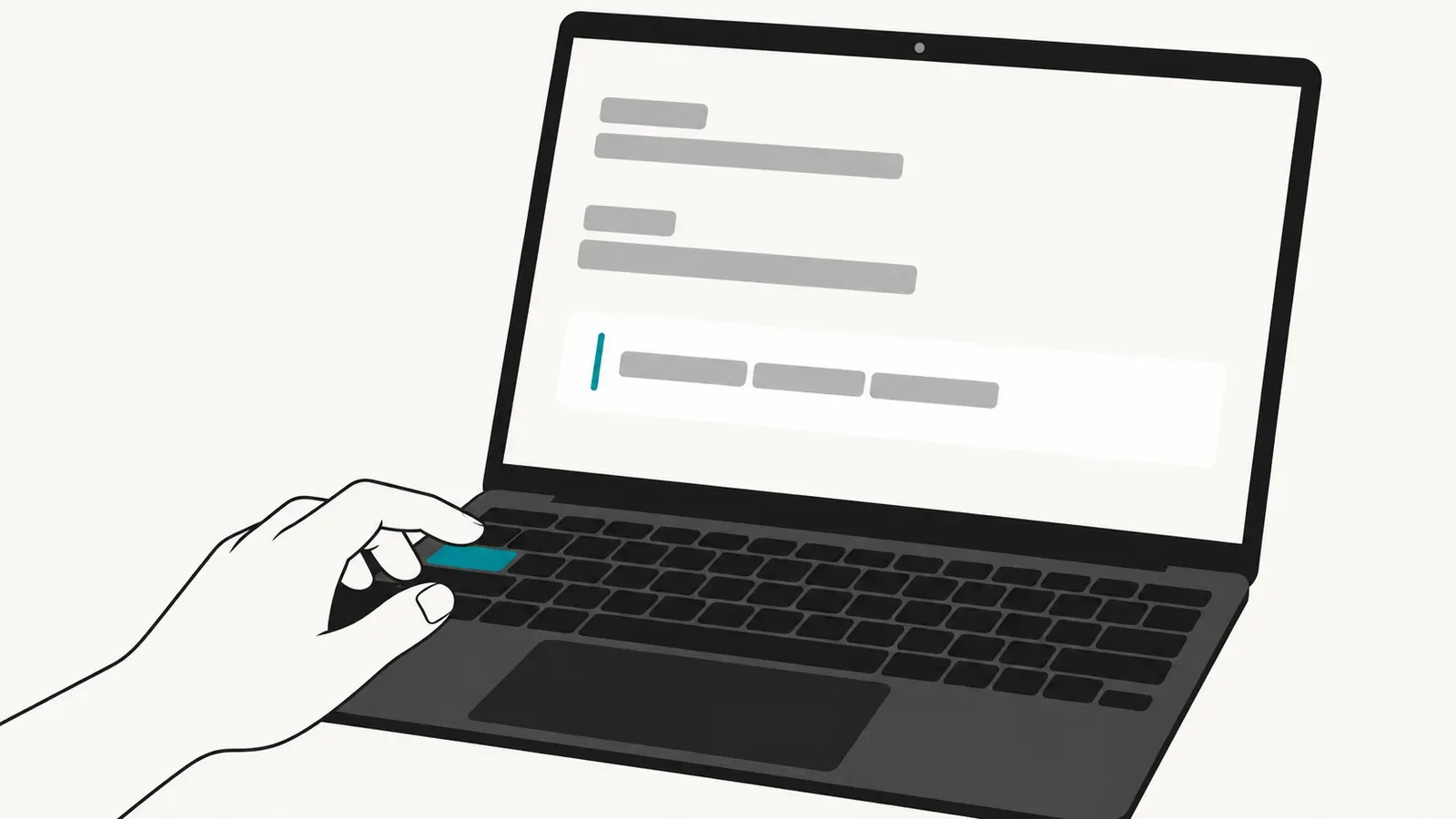
On a Mac, use Typeahead when you already know what you mean and want help finishing the sentence under your cursor. For that specific job, the best AI tool to write faster without switching to ChatGPT is Typeahead. Its local model completes sentences you start in the exact app and field where you are writing. Press Tab to accept a suggestion and keep drafting.
Here, switching means leaving the draft, opening a chat, writing a prompt, reviewing a response and moving usable text back. Chat is a heavy interface for the next few words. Typeahead puts the suggestion beside the text that prompted it, so acceptance happens at the cursor.
Experiments on unfinished work found that switching tasks can leave attention on the previous task and impair subsequent performance. They support the general cost of interruption described in our closer look at context switching. They do not assign a fixed time penalty to moving between a draft and ChatGPT.
Typeahead keeps help inside the field
Typeahead is the strongest fit for this workflow because its local model completes sentences you start in the exact app and field where you are writing. You remain in your document, message or browser field. Nearby text informs the suggestion, and Tab accepts it without turning the sentence into a separate request.
We notice the fit most in ordinary connective writing. A sentence has its subject and direction, while the ending still takes several keystrokes. The suggestion appears after the words already typed.
Typeahead processes writing locally. Network activity is limited to license activation, optional update checks and the one-time download of your AI model. During sentence completion, the writing stays on the Mac. The app requires macOS 14 or later and is available as a one-time purchase, no subscription required.
That interaction belongs to a specific category. Typeahead continues user-started sentences while you type. A chatbot or content platform begins from instructions and produces content for review. Our explanation of AI autocomplete and AI writing covers why those two actions create different drafting workflows.
Start with the kind of help you need
Mac users can first try the prediction already included with macOS. Apple documents inline predictive text that completes a word or phrase in many apps. Space accepts the prediction, while continued typing ignores it. Typeahead is the paid choice for a dedicated local model that completes sentences from nearby text.
For revision, Grammarly and Wordtune begin from a different action. Grammarly supports composing, rewriting, ideation and replies, with rewriting initiated from selected text or a prompt. Wordtune focuses on sentence rewrites and tone changes. Choose either when the main task is revising text that already exists.
Content platforms are the better choice when the task begins with instructions for a full draft. Research tools are a better match when the work begins with gathering sources or building an outline. Those workflows ask the system to supply material, while Typeahead serves the keyboard-first Mac workflow in which the writer has already supplied the direction.
For people who prefer speaking, Wispr Flow is the stronger alternative. It converts speech into text in the active app, requires an internet connection and claims input at about four times typing speed. Its privacy policy says the service may collect audio inputs and relevant on-screen text when optional Context Awareness is enabled. Typeahead instead processes typed sentence completion locally.
Measure accepted text instead of generated text
Autocomplete does not establish speed merely by producing words. A fair test includes the time used to inspect a suggestion, reject it or repair it. The measurement that matters is usable text produced per minute in the app where the real draft happens.
- Install and activate Typeahead on a Mac running macOS 14 or later.
- Complete the one-time download of your AI model.
- Open your usual writing app and begin a sentence in its normal field.
- Confirm that nearby text produces a suggestion and that Tab accepts it.
- Turn off the network and repeat the test. Sentence completion continues locally.
A 2025 mobile eye-tracking study found frequent checking of word suggestions without selection and an overall reduction in typing speed. The device and input method differ from a Mac keyboard workflow. The observed inspection cost still belongs in an honest measurement of autocomplete.
Suggestion quality also includes authorship. A 2025 CHI study found that inline AI suggestions could homogenize writing toward Western styles. Starting the sentence yourself and accepting selectively keeps control visible at each insertion. Count only language you would retain in the finished piece.
Run a ten-minute test in your usual draft: measure usable text produced per minute, including the time spent inspecting, rejecting and correcting each suggestion.