Write the Slack reply, keep your flow
6 min read
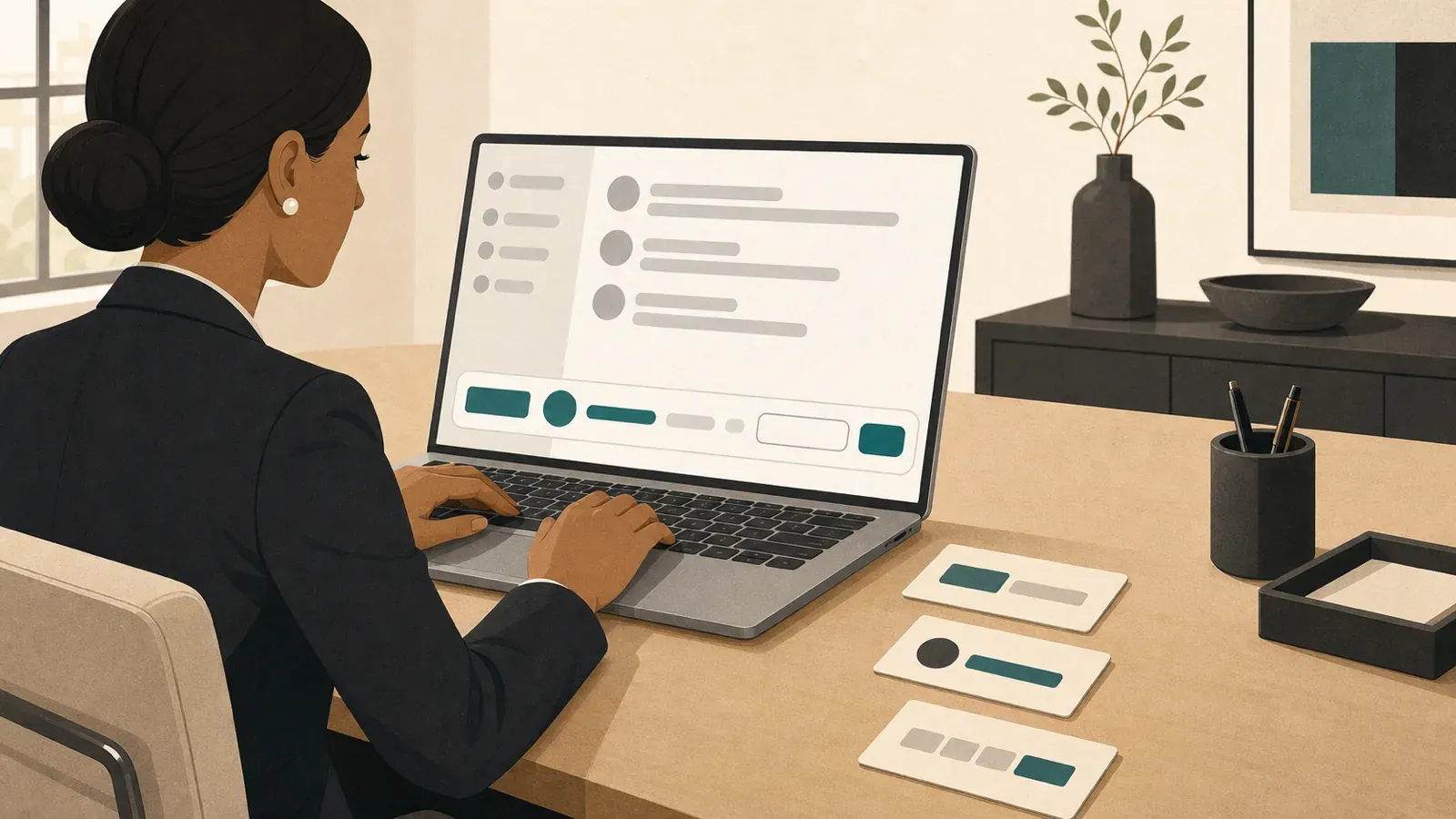
Slack places the cursor in the message field where the reply will be sent. A fast Slack reply starts in its opening line. Put the decision, owner or next step first, then use the rest of the message to support it.
An executive rarely opens Slack to write a single isolated sentence. A reply sits between a budget review and a hiring decision, or between conversations that each need judgment. Moving to another writing tool adds another field, another window and another transition before the message is ready.
The opening line often carries more management than the explanation below it. It tells the reader what changed, who owns the work and what happens next. Keeping that decision in working memory makes it easier to express clearly and return to the work that preceded the message.
Protect continuity while you answer
Writing speed involves more than a count of keystrokes. It also depends on keeping the decision in working memory long enough to express it clearly. Each switch between reading, deciding and drafting adds another place for the wording or the underlying judgment to drift.
A controlled CHI 2008 experiment illustrates the effect of interruption. Its 48 participants completed a simulated email task faster when interrupted, yet reported significantly greater stress, frustration, time pressure and effort than participants in the uninterrupted condition.
The study used telephone or instant-message interruptions at two-minute intervals. The sample consisted largely of German university students, with that group representing 81% of participants. Those details define the experiment: controlled interruptions during a simulated email task with measured performance and reported workload.
Executive Slack work has its own conditions, but the concentration cost is recognizable. A reply routine can preserve the connection between the message being read, the decision being made and the sentence being written. Switching to a separate AI workflow adds another context change.
Keep the sequence compact. Read the message, identify the decision-bearing words and place them directly in the Slack field. If the answer still needs thought, leave the draft where Slack saved it and return when the decision is ready. The unfinished message remains attached to its conversation and context.
Keep the drafting loop in Slack
Open with the part that changes what someone does next. Approved for the release is stronger than a warm-up about reviewing the proposal. Priya owns the revision gives responsibility a visible place in the opening line. Background can follow when the decision needs explanation.
A useful reply structure is answer, owner and next step:
- Give the answer in the opening line so approval, decline, continuation or pause is visible without setup.
- Name the owner beside the decision so responsibility remains clear when colleagues return to the conversation later.
- State the next step with its relevant deadline, deliverable or review point so the work can continue.
A concise version could approve the release, assign Priya the final review and request the revised timeline before the release review. Each sentence carries a piece of the operating decision. Additional context can explain the reasoning after the required action is clear.
Once the opening words are yours, Typeahead can continue the sentence inside the Slack message field while you type. Sentence autocomplete keeps the drafting loop at the cursor. You begin the message, inspect the grey suggestion and accept it with Tab or keep typing.
Type Thanks for the in Slack and the rest of the sentence appears in grey at the cursor. Tab takes the full suggestion. The right arrow takes a word. A different letter continues the sentence in the direction you choose.
You supply the judgment and start the sentence. Typeahead helps your language catch up with a decision you have already made. We built it for the short pause between knowing the reply and getting its wording onto the screen.
Match the reply to its destination
Slack lets users compose in channels, direct messages and threads. The destination shapes the amount of context, the expected audience and the useful lifespan of the reply. The decision-bearing words still belong near the beginning.
Use a channel when the decision should be visible to the wider group. Use a direct message when the subject requires a smaller audience. Use a thread when the response belongs to a specific message, since Slack designed threads to hold detailed discussion without cluttering the main channel or DM conversation.
An unfinished Slack message is automatically saved as a draft, so the thinking can continue before the message is sent. Desktop users can also schedule delivery from the send control. Drafts preserve unfinished thought. Scheduling separates writing time from delivery time.
Slack’s Mac keyboard shortcuts support a compact, keyboard-driven routine. Command-N or Command-Shift-K starts a message. Option-Shift-arrow moves among unread conversations. T or the right arrow opens or replies to a thread, while Option-click marks a message unread.
Use those controls as a sequence: visit an unread conversation, identify the decision, begin the reply and leave a marker when the answer requires more thought. The conversation remains available in Slack’s drafts or unread view. Reading, deciding and writing stay close together.
Keep sensitive writing on the Mac
Executive replies can contain pricing decisions, personnel details and plans that are still being prepared for circulation. Typeahead processes the words with a local model on the Mac. Suggestions appear in the active field while the draft remains part of the user’s existing workflow.
Typeahead processes writing locally; it goes online only to check your license, look for updates and download your AI model, and none of those requests include anything you write. That architecture applies while composing in Slack and in other Mac fields where sensitive or unfinished language appears.
Local processing keeps the drafting path compact for a buyer assessing privacy. The sentence begins in the destination field, the suggestion appears at the cursor and the accepted words remain in the message being prepared. There is no separate document to copy back into the conversation.
A buyer can verify the interaction directly. Open Slack, begin a familiar reply in a message field and watch for the grey suggestion at the cursor. Press Tab to accept the full continuation or use the right arrow to accept a word, then continue typing from the accepted text.
After the local model download completes, open Pages and begin a familiar sentence in a blank document. A grey suggestion appears beside the insertion point. Tab accepts the full suggestion and the right arrow accepts one word. Typeahead is Mac-only and requires macOS 14 or later.