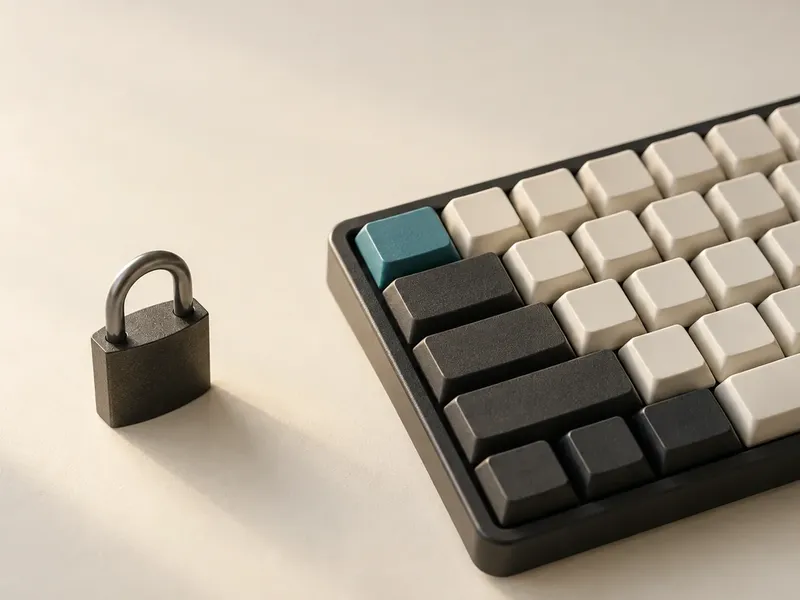
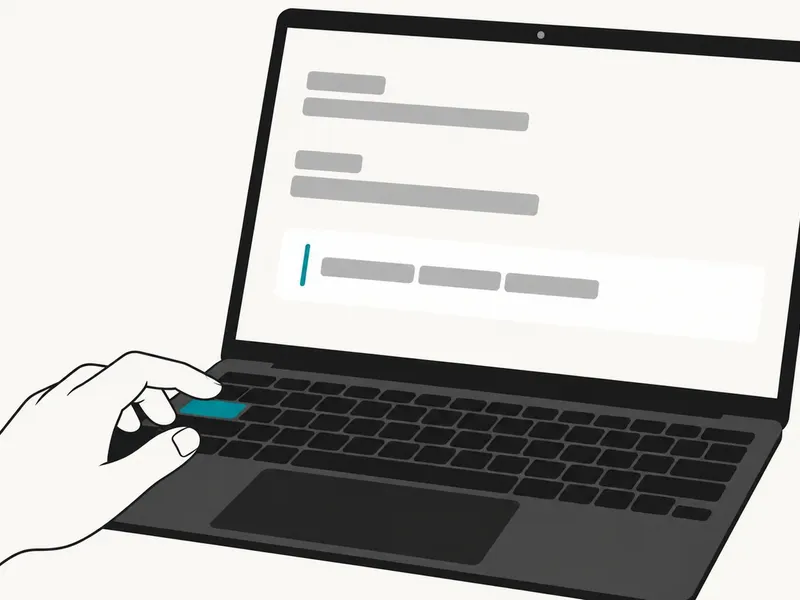
What a real writing day reveals about AI autocomplete on Mac
6 min read

You can learn almost nothing useful about AI autocomplete from the first ten seconds.
That is where most demos start.
Type a few words. Watch the ghost text appear. Hit Tab. Smile at the trick.
Fine.
But that is not the real question.
The real question is what happens four hours later.
After the novelty wears off. After you have written an email, cleaned up a Slack update, tightened a note to yourself, and re-entered a draft you were already tired of looking at.
That is when AI autocomplete either becomes part of your work or turns into another thing you disable.
If you want to evaluate it honestly, stop asking whether it looks clever in a demo. Start asking what it reveals across a normal writing day.
The wrong test is “Did it impress me once?”
Most AI writing tools are still sold through performance theater.
One big paragraph. One clean rewrite. One magical before-and-after.
That style of demo makes sense for tools that generate chunks of text. It is a bad way to judge autocomplete.
Autocomplete is not supposed to steal the scene. It is supposed to reduce friction inside moments that are too small to justify opening another tool. That timing difference is the heart of choosing autocomplete or rewording on Mac, because it decides whether your original sentence survives.
The useful test is not:
- did it finish one sentence well
- did it sound smart on command
- did it produce a screenshot-ready result
The useful test is:
- did it help often enough to matter
- was it easy to accept or ignore
- did it stay close to your voice
- did it work where your writing day actually happens
- did it feel safe enough to leave on
That is a very different standard.
A real writing day produces a better scorecard
If you keep AI autocomplete on for a normal day, the evaluation gets more honest fast.
You stop noticing the flashy moments. You start noticing the rhythm.
Where did it help without interrupting you? Where did it guess wrong in a recoverable way? Where did it save a beat of effort that would otherwise have turned into a context switch, a reread, or a stalled reply?
That is the hidden job.
Not writing the whole thing for you. Helping you keep moving in the apps where you already have momentum.
Here is a better scorecard for a real workday.
### 1. Speed
Not benchmark speed. Not token speed. Human speed.
Did suggestions arrive fast enough to feel usable while you were still in the sentence?
If a completion shows up after your thought has already moved on, it does not matter how good it was.
### 2. Control
Could you accept a full suggestion with one key? Could you reject it just as easily? Did the tool make choice feel lightweight rather than ceremonial?
For Typeahead, this matters because the interaction model is simple by design:
- `Tab` accepts the suggestion
- `Right Arrow` lets you accept word by word
- `Esc` dismisses it
That control model is not a detail. It is part of the trust model.
### 3. Voice
Did the suggestions sound like a faster version of you or like a generic assistant trying to be helpful?
This is where many AI writing tools quietly fail.
They can produce polished language. They cannot always stay inside the tone you were already setting.
In a real writing day, that matters more than cleverness.
### 4. App coverage
Did the tool help in the places where your day actually fragments?
Email. Slack. Docs. Notes. The small text field you use to frame an attachment. The message box where you need to answer now instead of later.
If the tool only shines in one clean environment, it is not solving the real workflow problem.
### 5. Error recovery
What happens when it misses?
This matters more than people think.
You do not need perfect suggestions. You need suggestions that are easy to decline without breaking flow.
A trustworthy tool is not one that never guesses wrong. It is one that does not punish you when it does.
The real signal is not one hero completion
People shopping for AI writing tools often remember the biggest success.
The perfect sentence. The sharp subject line. The line that landed exactly right.
Those moments are nice. They are not the whole story.
The stronger signal is repetition.
Did the tool help you:
- finish a sentence you already knew how to start
- soften a line without reopening the whole draft
- keep a reply moving while the context was still warm
- clean up wording in place instead of jumping to chat
- stay inside your current app long enough to finish the thought
That pattern is what changes the workday.
Not one magic moment. Many low-drama wins.
This is where local, system-wide autocomplete makes more sense
Typeahead has an advantage here because it is built for the actual shape of Mac writing.
It works across apps. It runs locally on the Mac. It is designed around inline ghost text instead of a separate drafting surface.
That combination changes the evaluation.
You are not asking:
- is this the smartest writer in the room
You are asking:
- is this the lightest layer of help I can trust all day
That is a better buying question.
Especially if you are wary of cloud AI, protective of your voice, or tired of tools that create one more place to manage work.
How to run the test without fooling yourself
If you want a fair read, use the tool in a normal day, not a demo sandbox.
Try it in:
- an email that needs a real answer
- a Slack update with actual stakes
- a document that already has momentum
- a notes app where you capture half-formed thoughts
Then look back at the end of the day and ask:
- did I leave it on
- did I use it in more than one app
- did it help without making me feel managed
- did it reduce context switching
- would I miss it tomorrow
That last question is the one that matters.
Not “Was this impressive?”
“Would I notice if it disappeared?”
AI autocomplete earns trust like a habit, not a spectacle
That is the part many people miss.
Autocomplete is not a product you understand from the highlight reel. It is a product you understand from repeated contact.
A normal workday exposes everything:
- whether the tool is fast enough
- whether it respects your voice
- whether it helps across apps
- whether the misses are tolerable
- whether the value is steady rather than theatrical
If it passes that test, it stops feeling like a demo. It starts feeling like infrastructure.
And for a writing tool, that is the point.
Closing thought
The best AI writing tool is not the one that produces the most dramatic example.
It is the one you trust enough to leave on while real work is happening.
That trust is not built in a screenshot.
It is built sentence by sentence, app by app, over the course of an ordinary day.