Keep writing without the ChatGPT detour
4 min read
ChatGPT is useful. The detour is the problem
ChatGPT can materially improve bounded professional writing tasks. In a randomized experiment with 453 college-educated professionals, access to ChatGPT reduced average completion time by 40% and increased evaluated output quality by 18%.
That result applies to the occupation-specific assignments the researchers studied. It does not mean every writing workflow gets faster once a chat window enters the picture.
When you are halfway through a sentence, the problem may be smaller than ChatGPT’s solution. You need the next six words. Opening another interface turns those six words into a separate AI task.
One sentence becomes two jobs
You stop at “The main risk is…” Then you open ChatGPT, explain the document, provide enough context and describe how the sentence should sound. When a response arrives, you judge it, revise the prompt or carry the useful part back into your draft.
You have gone from writing one sentence to operating two systems. The second system may respond quickly, but switching to it still has a cost.
A sentence can survive a detour. Its authorial nerve often cannot.
Four controlled experiments found measurable switching-time costs when people alternated between tasks. Those costs grew as task rules became more complex. The researchers described switching as a combination of shifting goals and activating the rules needed for the new task.
A delicate client sentence already has rules: what happened, what can be said, who will read it and what tone the relationship can bear. Prompting introduces another set.
The hidden work inside a prompt
OpenAI’s own prompting guidance recommends identifying the task, supplying necessary context, setting tone and style, reviewing the response and refining it through follow-up prompts. That is sensible guidance for getting a useful result. It is also work beyond writing the sentence.
An 84-person CHI study of writing interfaces offers a related signal. Participants using a separate-chat interface had a higher density of prompt reissuance than participants in two inline conditions. The study was not a test of Typeahead or workplace productivity, but it supports the narrower point that interface placement changes how much prompting a writer does.
Unfinished writing follows you
Sophie Leroy’s two experiments on attention residue found that attention can remain with a prior task after a switch, especially when that task is unfinished. This incomplete transfer of attention can reduce performance on the next task.
Leaving a half-written sentence resembles that unfinished condition. Part of your attention stays with the draft while the chat window asks you to formulate instructions about it. Then you switch back and reconstruct the exact thought you were trying to complete.
This is the broader cognitive cost of switching context to use AI, compressed into a few seconds that repeat throughout the day.
Fast completion can still feel expensive
Speed alone does not prove that flow survived. In a 48-person simulated-office experiment, interrupted participants completed email work faster but reported greater stress, frustration, time pressure, effort and workload.
That experiment did not involve ChatGPT. Its useful warning is more general: a workflow can finish sooner while feeling more demanding to perform.
The real comparison is not response time against typing time. It is the whole trip against staying with the thought.
Match the tool to the size of the job
ChatGPT makes sense for discrete work that deserves a separate task: developing an outline, drafting a standalone first pass or reconsidering a complete passage. You accept the switch because the scope of the help can repay it.
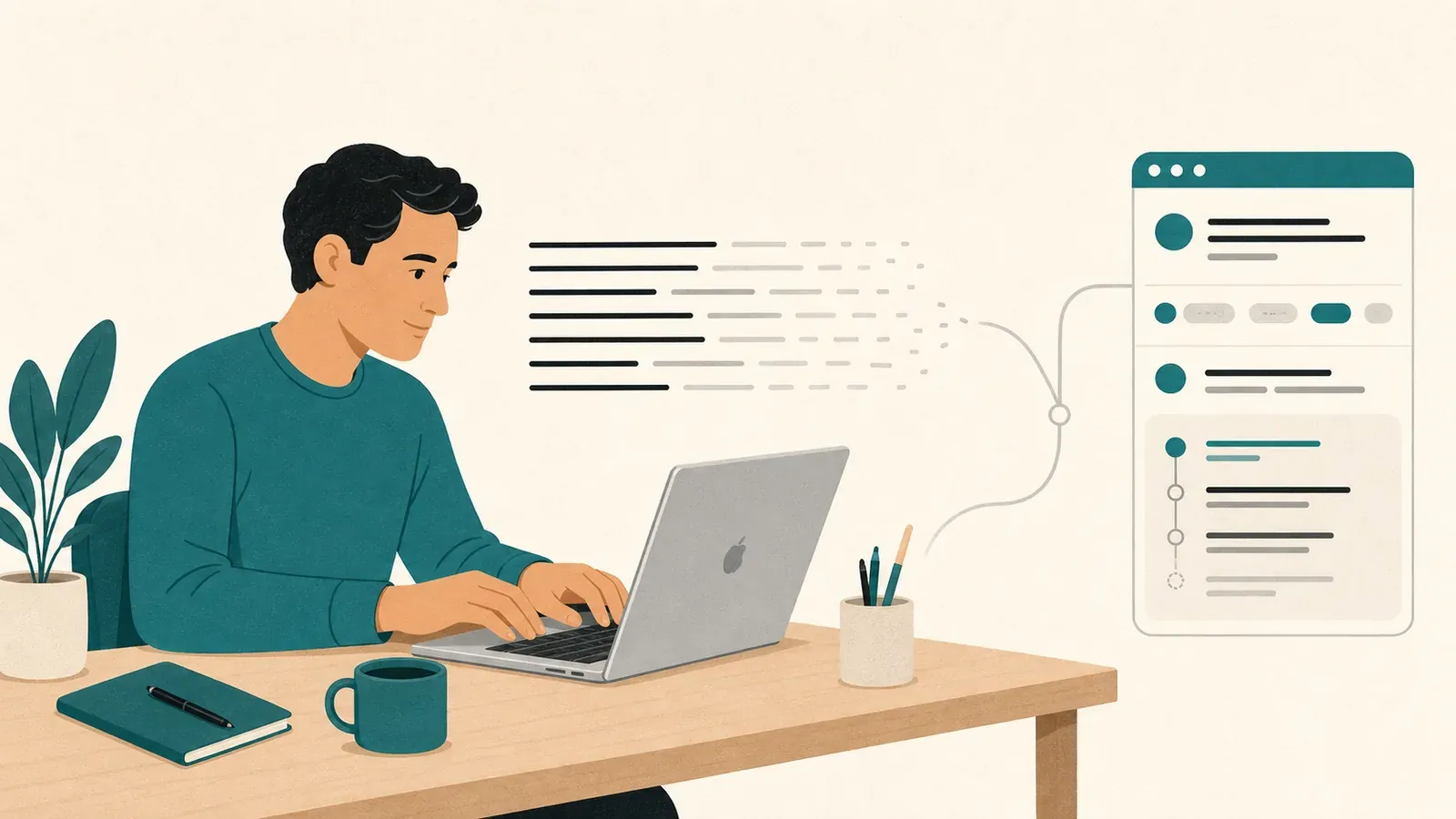
For sentence-level help, Typeahead takes a narrower role. It completes sentences you have already started, in your voice, while you type. The suggestion appears inside the work, where the unfinished thought already lives. That is why sentence-level assistance belongs inside the sentence.
Writing never leaves the Mac. Typeahead is a Mac app that requires macOS 14 or later and is available with a 14-day free trial.
Typeahead helps you continue your own sentence without handing authorship or attention to another interface.
Use the larger tool for work large enough to justify the trip. For the sentence already under your cursor, keep your hands, your voice and your train of thought in the same place.