The prompt box is a writing app now
6 min read
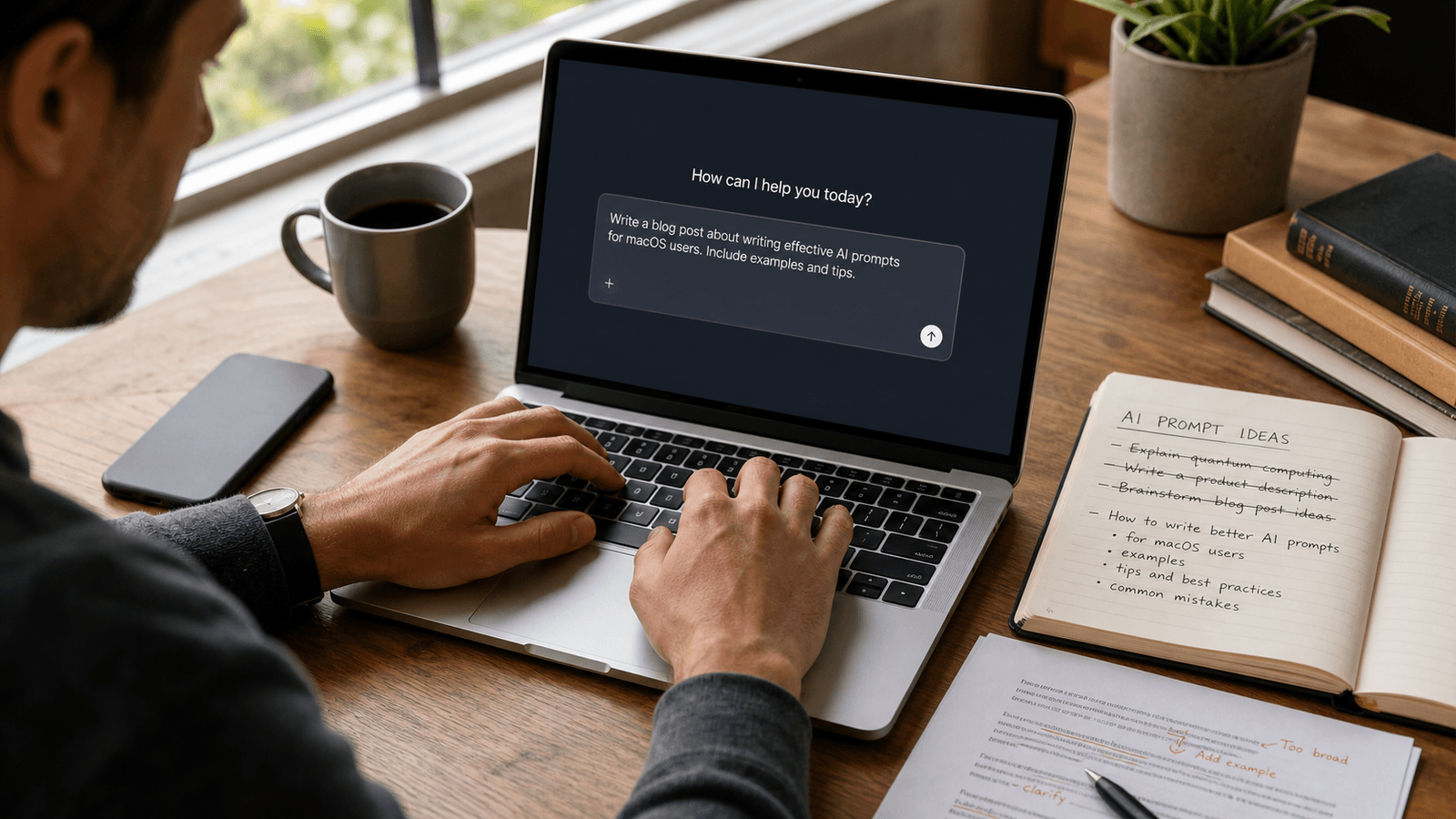
The prompt box used to feel like a side door into AI.
Now it is becoming a main work surface.
That matters more than people think.
For a while, AI writing tools were judged by what they could produce after the prompt. The big draft. The rewrite. The polished paragraph.
But more work is moving earlier in the interaction.
The value is often decided by the instruction itself:
the sentence that tells the model what job it is doing
the line that narrows the scope
the follow-up that corrects tone without starting over
the tiny clarification that turns a vague answer into a useful one
That means prompt writing is no longer a niche skill for power users. It is becoming ordinary work.
And once that happens, a different question shows up:
What kind of writing help belongs inside the prompt box itself?
The prompt is becoming part of the job
A lot of people still talk about prompts as if they are magic incantations.
That is the wrong frame now.
Most work prompts are not clever. They are operational.
They sound more like:
rewrite this so it sounds calmer
pull out the risks, not the benefits
turn this into a short client-facing summary
give me three tighter ways to say this
keep the structure but make the recommendation clearer
That is not theatrical prompting. That is writing.
It has the same pressures as other work writing:
speed
tone
clarity
context
not sounding like a robot
The only difference is that the reader is a model first and a human second.
The new bottleneck is instruction quality, not draft volume
Early AI writing hype centered on output volume.
Can it write the email? Can it draft the memo? Can it summarize the meeting?
Those are still useful questions. They are just no longer the whole story.
More teams now bounce between:
a chat tool for expansion
a document for the real artifact
Slack for coordination
notes for rough thinking
browser fields inside internal tools
AI prompts inside all of the above
In that workflow, the slow part is often not waiting for the model. It is phrasing the request well enough to get the right help on the first or second try.
That is a writing job.
You can see it in small moments:
the prompt that asks for concision without flattening tone
the follow-up that says "keep my structure"
the correction that says "make it less salesy"
the instruction that says "optimize for clarity, not persuasion"
Those are not giant drafts. They are steering sentences.
Why this matters for Mac users in particular
Mac work is unusually cross-surface.
A normal day may move through Mail, Slack, Notes, browser tabs, docs, project tools, and now several AI chat windows too.
That means the prompt box is rarely the only place you are writing. It is just one more place.
This is where system-wide autocomplete starts to make more sense than another dedicated AI-writing workflow.
If the prompt itself is part of the work, the ideal help is lightweight:
stay in the app
keep the sentence moving
accept or dismiss quickly
preserve your phrasing
help without turning the moment into a production
That matters whether you are writing:
a short prompt to refine an email
a longer instruction for an AI research tool
a correction after the first answer missed the point
a note to an agent about what to do next
The prompt box does not need a second prompt box on top of it. It needs better sentence support inside the one you are already using.
Prompt writing is really judgment writing
The popular story is that prompting is about secret formulas.
The real story is quieter.
Good prompt writing usually comes down to judgment:
what outcome actually matters here
what should stay fixed
what tradeoff you are willing to make
how much context is enough
what tone the result should preserve
Those are not mechanical moves. They are editorial moves.
That is why the best prompt writers often sound less like hackers and more like strong managers, editors, operators, and writers.
They know how to direct.
They know how to tighten an ask.
They know how to say:
give me the shorter version
keep the recommendation but remove the hype
preserve the logic, change the opening
make this sound like an internal note, not a launch post
Those are all very normal writing instincts. AI tools are just creating more surfaces where those instincts matter.
The workflow mistake people are making
A lot of teams still treat AI prompting as separate from the rest of writing.
So the workflow becomes:
1. write something in one app 2. move it into a prompt box 3. write a second layer of instructions around it 4. get output back 5. edit it somewhere else
Sometimes that is necessary. Often it is just expensive.
It adds ceremony to moments that mostly need a clearer sentence.
That is why many AI writing tools feel more impressive than useful.
They help at the output layer while ignoring the growing amount of input-layer work.
But if your day now includes writing to AI several times an hour, the input layer is not a side task anymore. It is part of the communication stack.
What better help looks like inside the prompt box
Useful prompt-box assistance should feel a lot like useful writing assistance everywhere else.
It should help you:
state the job faster
narrow the ask without overexplaining
preserve your tone constraints
add missing specificity
revise the instruction while the context is still warm
It should not turn every prompt into a giant meta-composition exercise.
Most of the time, the writer already knows what they want. They need help landing the instruction crisply.
That is a strong fit for inline autocomplete.
Not because it replaces prompt craft. Because it supports prompt craft in motion.
This is also why control matters more now
As prompt boxes become regular work surfaces, people will get less tolerant of AI writing help that feels pushy, generic, or hard to refuse.
The bar changes.
When the work is happening live, control matters as much as output.
That is one reason Typeahead's interaction model is interesting here.
It is built around small, reversible choices:
`Tab` to accept
`Right Arrow` to take a bit at a time
`Esc` to dismiss
That interaction style fits prompt writing unusually well.
Why?
Because prompts are often iterative by nature.
You are not always trying to accept a whole generated block. Sometimes you are just trying to finish:
the constraint
the example
the correction
the narrower framing
Word-by-word or clause-by-clause help can be more useful there than a full replacement.
The bigger shift
The bigger change is not that AI can write.
It is that people are now writing to AI as a normal part of getting other work done.
That creates a new class of everyday writing:
instructions
corrections
reframings
scope-setting
constraint-setting
tone-setting
In other words, management language. Editorial language. Operational language.
The prompt box is not just where output begins. It is where judgment gets written down.
That is why this category will matter more over time.
The better AI becomes, the more valuable precise human direction becomes.
And the more often that direction shows up in tiny text fields across the day, the more useful it becomes to have help that lives inside the sentence instead of outside the workflow.
The prompt box is a writing app now.
The teams that notice that early will not just get better AI output. They will get faster at giving the kind of instructions good output depends on in the first place.