Why the sentence that sets the boundary needs better AI help
5 min read
Some of the most important writing at work does not open the conversation.
It limits it.
It says:
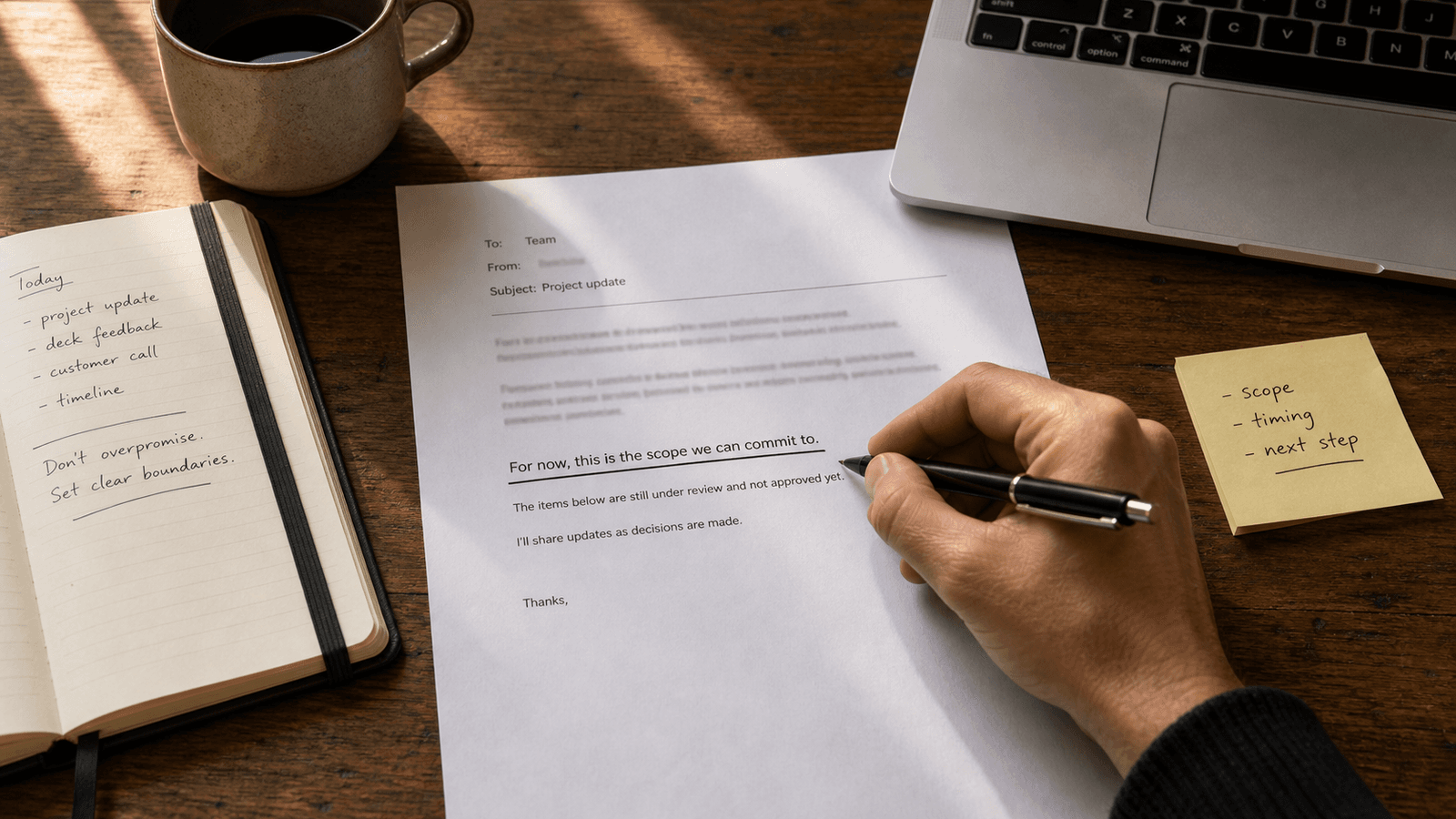
- this is the part we can commit to now
- this is what is still under review
- this is the version I am comfortable sending
- this is not approved yet
- this is where the request gets too broad
That is not ornamental wording.
That is the sentence that sets the boundary.
And it is one of the clearest examples of why a lot of AI writing help works better inside the sentence than above it.
A boundary sentence protects more than tone
People often think boundary-setting writing is mainly about politeness.
Sometimes it is.
It is also about:
- keeping a team from assuming more than was actually promised
- preventing a draft from sounding more final than it is
- making a next step clear without opening three new asks
- protecting scope before a loose phrase turns into obligation
- holding the line between what is known and what is only likely
One sentence can decide whether a message feels usable or slippery.
That matters because a lot of work goes wrong in exactly this zone.
Not because people lied.
Because they wrote something a little too open, a little too broad, or a little too smooth for the real constraint underneath it.
The hardest part is usually not knowing the boundary
Most professionals already know where the line is.
They know:
- what they can say with confidence
- what still needs another signoff
- what the customer, teammate, or stakeholder is likely to infer
- what sounds collaborative without quietly expanding the promise
- where one extra phrase will create future cleanup
The hard part is phrasing that line cleanly.
Too soft, and the boundary disappears.
Too blunt, and the relationship takes unnecessary damage.
Too long, and the sentence starts sounding defensive.
Too polished in the generic AI way, and people stop trusting that the wording matches the real judgment behind it.
That is why this is such a useful test case for writing tools.
The human already has the judgment.
What they need is help landing it without losing control of the sentence.
A weak boundary creates expensive follow-up work
Most writing problems do not arrive as dramatic failures.
They arrive as avoidable cleanup.
The sentence was technically acceptable.
Then it created a week of extra interpretation.
That can look like:
- a customer hearing "yes" where the team meant "not yet"
- a teammate reading optional work as committed scope
- a launch note sounding final before the product details are locked
- an internal message turning a rough direction into an assumed plan
- a manager reply leaving just enough room for people to keep pushing
This is why boundary-setting sentences matter so much.
They are not there to sound cautious for the sake of it.
They keep the real shape of the situation visible.
Generation-first AI often makes this moment too broad
Full-draft tools can help when the writer needs exploration.
Boundary-setting is usually not an exploration problem.
It is a precision problem.
The writer is not asking:
"What could I possibly say here?"
They are asking:
"How do I say the true limit cleanly enough that it holds?"
Generation-first tools often add the wrong kind of mass to that moment.
They tend to:
- widen a narrow message into a more elaborate explanation
- smooth away the exact caution the human was trying to preserve
- produce a tone that sounds more final or more accommodating than intended
- create a second review surface when the real work was one live sentence
- replace the writer's edge with a generic professional blur
The draft may look polished.
That does not mean it is safe.
For this kind of writing, more language is often more risk.
Better help fits the line as it is being written
This is where autocomplete has a structural advantage.
The writer stays in the app where the boundary actually matters.
They can see:
- the thread that prompted the reply
- the wording they are reacting to
- the sentence that came before
- the relationship pressure inside the exchange
- the exact spot where the line needs to be drawn
That lets the help stay lighter.
The human can keep typing, accept a phrase, reject it, or move word by word until the sentence sounds right.
The AI is supporting the decision.
It is not becoming the decider.
That matters because a boundary sentence is not only about clarity.
It is also about authorship.
The person sending the note needs to remain visibly responsible for where the line was set.
These sentences show up across apps, not in special writing sessions
Boundary-setting writing rarely arrives in a calm drafting environment.
It usually appears in:
- Slack
- docs comments
- CRM notes
- project tools
- browser-based admin fields
That is part of the point.
The sentence matters because the live context matters.
You are not writing a generic statement about limits.
You are setting a limit in response to a specific ask, a specific thread, a specific draft, or a specific decision in motion.
Leaving that moment for a separate AI workspace often adds more ceremony than the job deserves.
You already know the line.
You need help stating it cleanly before the moment slips. The same pressure appears in the sentence that says what can wait, where an inline completion can spare a busy reader from guessing what needs an answer now.
Good boundary-setting sounds smaller than it is
The best versions of these sentences are often unremarkable on the surface.
They sound:
- calm
- narrow
- usable
- hard to misread
- easy to forward without distortion
That is exactly why they are valuable.
They do not make the writer sound robotic or legalistic.
They simply make the real limit legible.
This is one reason many people warm up to sentence-level AI help faster than draft-level AI writing.
They do not want the tool to invent the stance.
They want it to help them hold the stance they already chose.
Why this fits Typeahead
Typeahead is an AI autocomplete app for Mac that works across the apps where you already write.
It runs locally on your Mac. Suggestions appear inline while you type. You can accept the full suggestion, take it word by word, or ignore it completely.
That interaction model fits boundary-setting writing especially well.
When the real job is to hold one line without sounding vague, stiff, or overproduced, inline autocomplete is a better shape of help than leaving the workflow, generating a larger draft, and editing back toward the sentence you meant in the first place.
The best AI help here is not another voice.
It is a faster path to the exact boundary you were already trying to write.