Why the message that says no needs better AI help
Some of the hardest work writing is not persuasive.
It is restrictive.
It says:
- no, not this version
- no, not yet
- no, we cannot approve that
- no, we should not promise that
- no, that is outside scope
These messages are usually short. They still require more judgment than people expect.
That is one reason the right AI writing help here often looks more like autocomplete than full-draft generation.
Saying no is a precision job
Most refusal messages are not hard because the writer lacks an opinion.
Usually the writer already knows the answer.
The difficulty is in how the answer lands.
They are trying to balance several things at once:
- clarity without unnecessary harshness
- firmness without overexplaining
- boundaries without sounding evasive
- speed without sounding careless
- consistency without becoming robotic
That is not a blank-page problem.
It is a sentence-shaping problem.
The sentence has to do more than decline
A useful "no" often has to carry extra work.
It may need to:
- protect a relationship
- make the reasoning legible
- keep the next step open
- avoid creating false hope
- prevent the same request from bouncing back tomorrow
That is why people rewrite these messages so often.
The goal is not politeness for its own sake. The goal is to make the boundary real without creating unnecessary drag around it.
Full-draft AI can soften the part that matters
Generation-first AI tools often assume the writer wants help producing a complete response.
Sometimes that is useful. It is often the wrong shape for a message that needs to decline, constrain, or redirect.
Why?
Because refusal writing is unusually sensitive to drift.
A generated paragraph may:
- sound nicer than the actual decision
- add openings the writer did not intend
- blur the boundary with hedging language
- introduce explanation that creates new debate
- make the message longer when the real need was clean finality
The result can look polished while quietly weakening the point.
That is a bad trade if the whole purpose of the sentence is to make the limit unmistakable.
Constraint-setting writing happens all day
This is not only executive communication or formal review language.
It appears constantly in normal work:
- declining a meeting that does not need to happen
- pushing back on a timeline
- telling a customer a request is not on the roadmap
- saying a draft is not ready yet
- closing off a side path in a project thread
- asking for a tighter scope before work continues
These are everyday writing moments. They are also the moments where people most want to sound like themselves. A completion that sounds right in Slack can feel oddly formal in email, because personal style needs room to move.
Not colder than intended. Not softer than intended. Not machine-smoothed into something technically pleasant but strategically vague.
The best help should arrive inside the boundary
For this kind of writing, the useful question is not: "Can AI draft a good response?"
The better question is: "Can AI help me land the exact sentence I already know I need to send?"
That points toward lighter assistance.
The writer begins the message. The writer sets the limit. The AI helps continue the thought without taking ownership of the decision.
That is why autocomplete fits so well here.
It keeps the human in charge of the hard part: the judgment.
If the suggestion sharpens the line, take it. If it softens the point, ignore it. If only half of it works, keep the useful half and move on.
That is a better interaction for boundary-setting than reviewing a full machine-written block and trying to edit the firmness back into it.
Across-app writing makes this even more important
Constraint-setting does not happen in one neat writing surface.
It happens in Slack, email, docs, project tools, comments, support consoles, and browser forms.
That matters because every extra writing workflow adds overhead to a moment that should feel decisive.
Open another tool. Explain the context again. Review a generated response. Trim the ambiguity out. Paste it back into the place where the real conversation is happening.
That is a lot of ceremony for a message that often only needed cleaner phrasing, not outsourced authorship.
The more often this happens across a workday, the more valuable inline help becomes.
Good refusal writing protects momentum
People sometimes think "no" messages slow work down.
Bad ones do.
Good ones do the opposite.
They stop vague loops. They reduce rework. They make priorities visible. They keep projects from widening by accident. They save everybody from interpreting politeness as permission.
That is why this is such an important test for AI writing tools.
If the tool cannot help with the sentence that sets the boundary, it is missing a large part of how real professional writing works.
Why this fits Typeahead
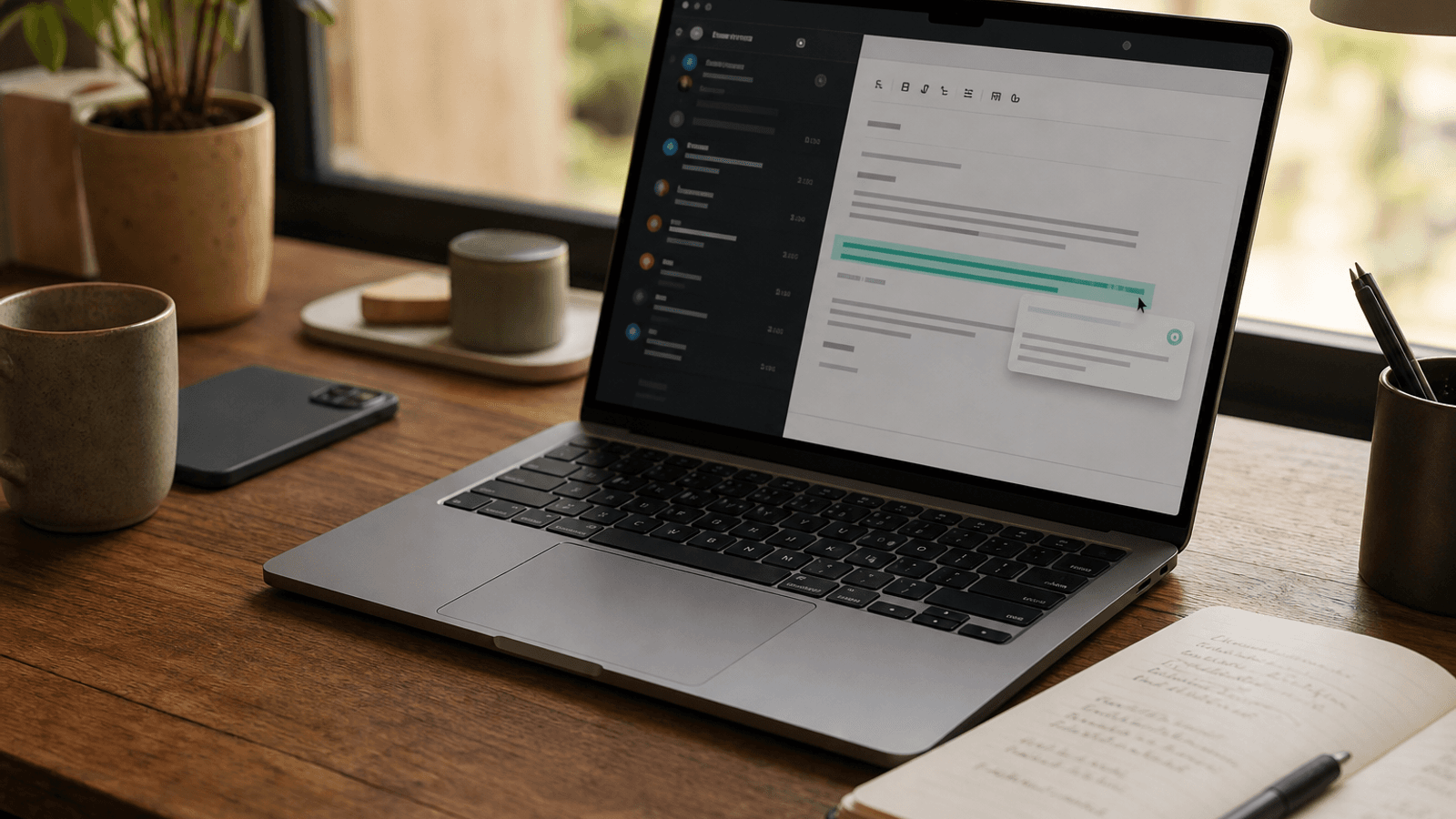
Typeahead is an AI autocomplete app for Mac that works across the apps where you already write.
It runs locally on your Mac. Suggestions appear inline while you type. You can accept the full suggestion, take it word by word, or ignore it completely.
That interaction model makes sense for messages that need firmness, tone control, and clean boundaries.
You stay inside the live conversation. You keep authorship of the decision. And the AI helps with the phrasing without quietly taking over the judgment.
For a lot of modern work, that is the difference between writing help that feels useful and writing help that feels like another thing to supervise.