Why executive assistants need AI autocomplete more than AI scheduling assistants
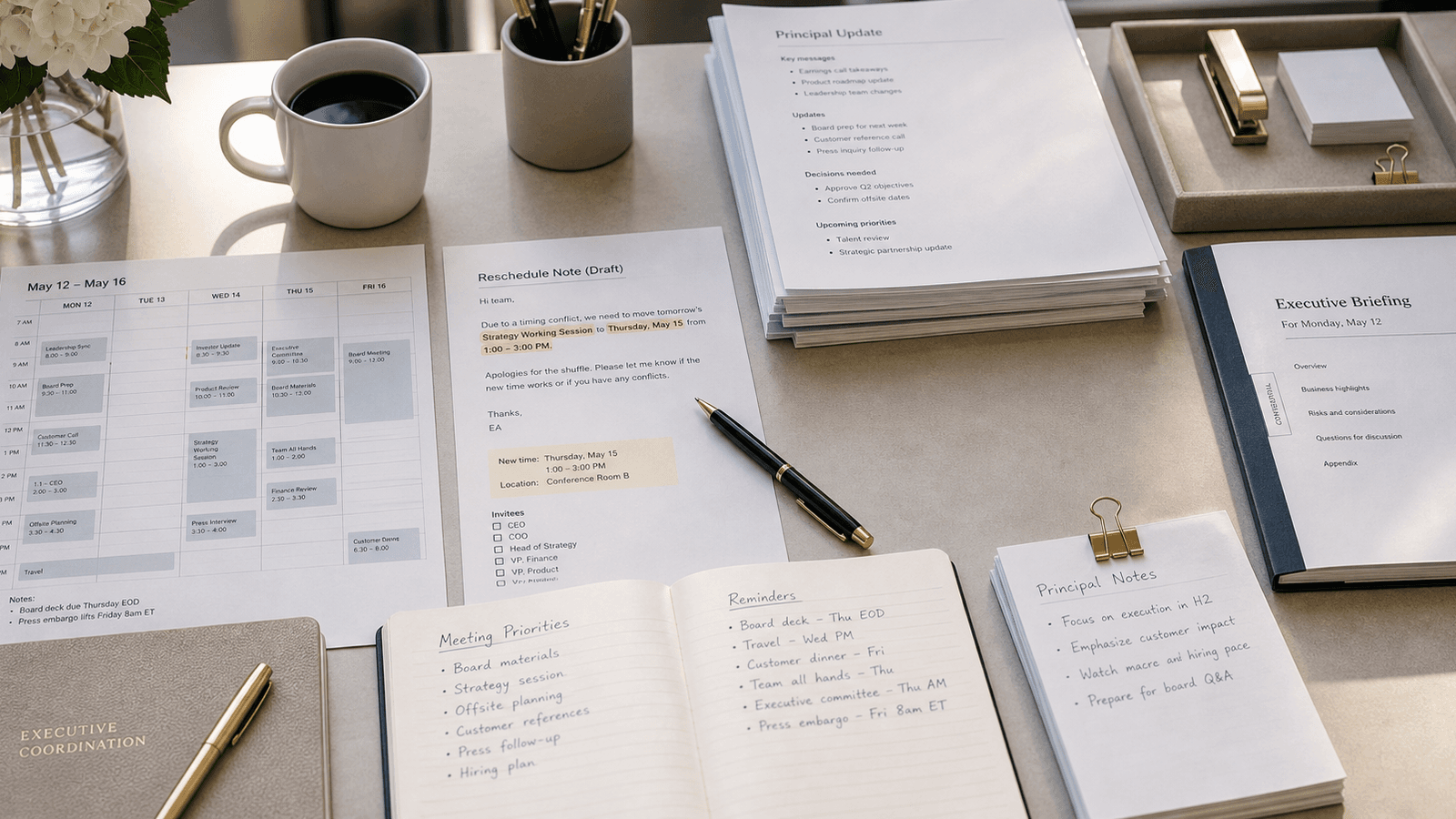
Executive assistants keep getting pitched AI at the coordination layer.
Automate the scheduling. Handle the calendar. Suggest meeting times. Route the follow-up.
Some of that is useful.
It is also not where a lot of assistant work actually gets hard.
The harder part is often the writing around the coordination.
The email that needs to move quickly without sounding abrupt. The reschedule note that protects the relationship. The Slack message that gives the principal enough context without making them read a paragraph. The follow-up that nudges someone senior without sounding like a chase. The calendar note that has to be clear because other people will act on it.
That is why executive assistants often need AI autocomplete more than AI scheduling assistants.
The real work is not only moving boxes on a calendar
From the outside, assistant work can look like logistics.
Find the time. Book the room. Move the meeting. Share the details.
That is part of the job.
But a lot of the real value sits in the communication that makes the logistics feel smooth.
It shows up in:
scheduling emails
reschedule notes
internal Slack follow-ups
meeting briefs
calendar descriptions
guest communication
travel updates
approval requests
handoff notes
quick context messages to the principal
This writing is constant. It is usually short. It often happens fast. And it carries more tone than people notice.
The job is sentence judgment under time pressure
Most executive assistants do not need help inventing what to do next.
They need help saying it clearly, quickly, and in the right tone.
Should this sound warmer? Should this be firmer? How much context does the executive need here? Is this follow-up too blunt for the person receiving it? Does this reschedule note protect the relationship or make the other side feel bumped?
Those are judgment questions.
A scheduling assistant can help place the meeting. It does not solve the sentence that keeps the interaction professional, calm, and easy to respond to.
That sentence is often where the real work is.
Small messages carry a surprising amount of leverage
Assistant work is full of small writing moments that shape how organized the executive seems to everyone else.
A two-line follow-up can speed up a decision. A vague calendar title can create confusion before a meeting even starts. A slightly off reschedule note can make someone feel unimportant. A crisp internal message can prevent three extra back-and-forths.
These are not giant writing projects. They are high-frequency moments where clarity compounds.
That is why a sentence-level tool is often more useful than a system that only handles the mechanical part of scheduling.
Scheduling software solves one layer of the problem
AI scheduling tools are built around availability.
That can save time.
But a lot of assistant work lives just outside the slot-finding step.
Before the meeting:
explain the context
frame the ask
confirm the right details
prepare the principal
After the meeting:
send the follow-up
clarify the next step
confirm the owner
restate the decision
During the day:
nudge without nagging
escalate without sounding tense
summarize without losing the point
That is a writing workflow, not only a calendar workflow.
The real assistant day lives across apps
This is what makes the category fit so well.
Executive assistants move between email, Slack, calendar fields, docs, browser forms, travel tools, meeting notes, and internal comments all day.
If the AI help only works in one product, it misses most of the writing. If it asks the assistant to open a separate chat every time they need help landing a sentence, it adds ceremony to a job that already runs on speed.
Autocomplete fits better because it appears where the writing is already happening.
The reschedule email. The calendar note. The internal follow-up. The principal brief.
The work keeps moving without asking the assistant to leave the flow of the day.
Control matters because the assistant is representing someone else
This part matters more than most AI demos admit.
Executive assistants are not only writing as themselves. They are often writing on behalf of an executive, a team, or an office rhythm.
That means the wording carries signal.
How polished should this feel? How direct should this be? How much warmth is right for this person? How much urgency should show?
That is why generation-first tools can feel risky here. They can sound smooth before they sound right.
Autocomplete is a better fit because the assistant stays in charge. You start the sentence. You choose the direction. You accept the suggestion if it helps. You ignore it if it does not.
That keeps the judgment with the person who knows the relationship and the context.
Better AI help for assistants should feel quiet
The best tool for this job is not the one with the loudest demo.
It is the one that makes everyday coordination writing lighter:
a cleaner follow-up
a faster calendar note
a warmer reschedule message
a sharper meeting brief
a clearer internal handoff
That kind of help compounds because assistant work is made of repetition with nuance. The sentence changes. The standard stays high.
That is why AI autocomplete is such a strong fit for executive assistants. It helps with the writing around the coordination, which is often where the real leverage lives.
If you want AI writing help that fits the actual shape of assistant work, try Typeahead. It works across the apps where executive assistants already write on their Mac, runs locally, and helps the sentence move faster without taking the judgment away from the person writing it.