Most work writing is steering, not drafting
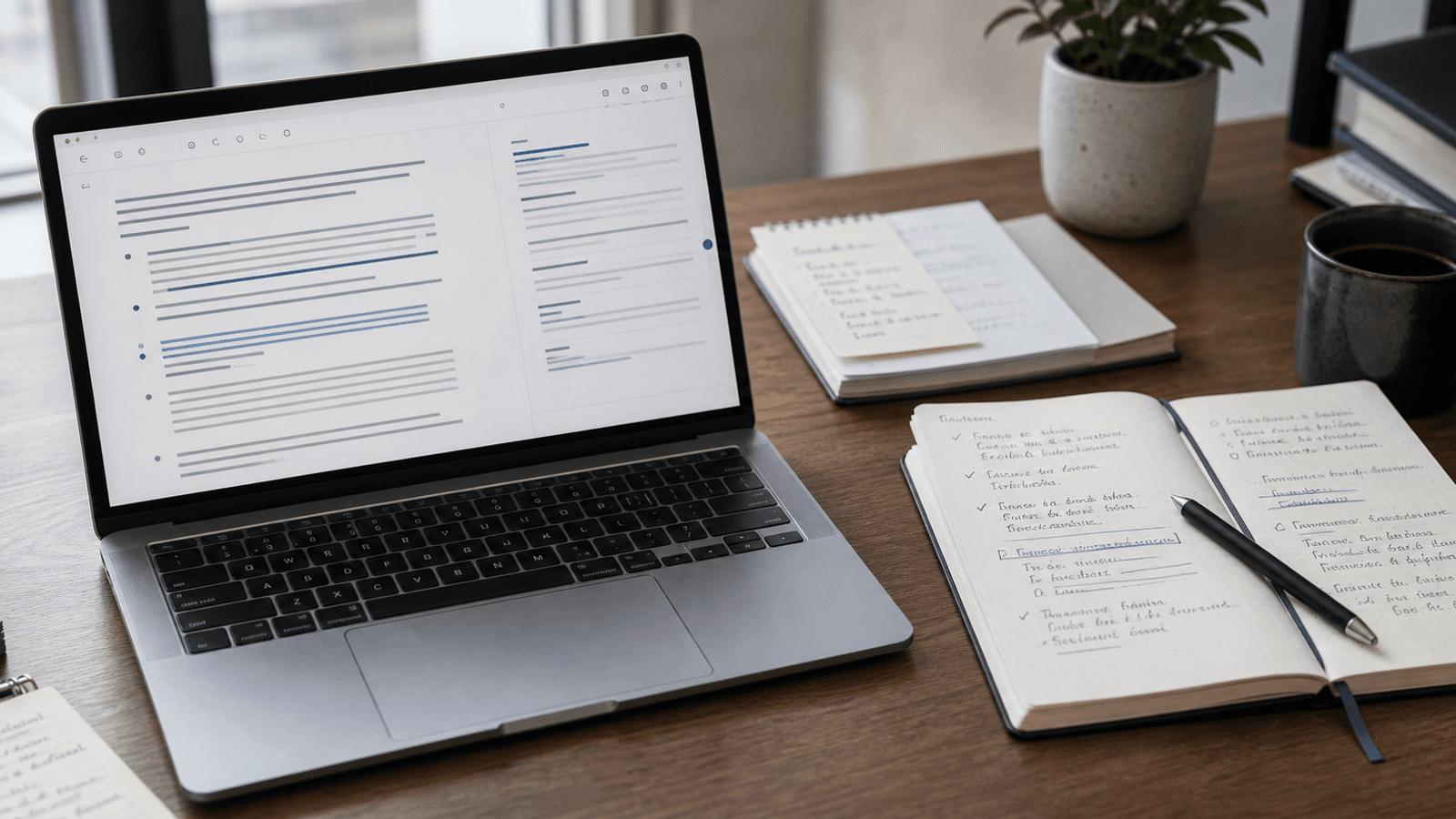
When people talk about AI writing, they often picture drafting.
A blank page. A prompt box. A paragraph generated from scratch.
That is a real use case. It is just not where most work writing actually happens.
Most professional writing is not drafting. It is steering.
You are already mid-thought. You are clarifying, softening, tightening, or finishing something that already has direction. The hard part is not inventing the message. It is landing it well enough that the next person understands what you mean.
That distinction matters because it changes what kind of AI help is actually useful.
A lot of work writing begins after the first idea
Very little day-to-day writing starts from nothing.
Usually, you already know the situation. You have the context in your head. You know what happened in the meeting, what the customer asked, what the team is waiting on, or what decision needs to get made.
What slows you down is the sentence work around that context:
- finding a cleaner opening
- making the ask sound direct without sounding harsh
- trimming a paragraph that is doing too much
- finishing the thought before the window closes
- choosing wording that is accurate enough to send
That is not ideation. It is steering.
You are guiding language toward the version that carries your judgment cleanly.
Steering work shows up everywhere
This is one reason writing can feel heavier than it looks from the outside.
The friction is spread across dozens of small moments:
- a Slack reply that needs to sound calm, not cold
- an email follow-up that needs a firmer ask
- a note in a doc that should be clear before the thread gets longer
- a customer message that needs to acknowledge nuance without becoming a wall of text
- a browser field you want to answer before the thought disappears
None of these moments look like "content creation."
But they still require judgment. And because they are small, fast, and frequent, they are exactly where clumsy AI workflows tend to fail.
Drafting tools solve the wrong bottleneck surprisingly often
Generation-first AI tools assume the main problem is getting words onto the page.
Sometimes that is true. If you are outlining a post, exploring angles, or trying to get unstuck at the start, a draft can help.
But that is not the center of most working days.
More often, the bottleneck is that you already have words on the page. They are just not quite right yet.
Now a full AI draft can become extra work. You have to review its judgment, pull out what is useful, and reshape the tone back toward your own. For a lot of work writing, that is an awkward trade.
You did not need a second author. You needed less drag while steering your own sentence.
Why steering favors inline help
If the work is steering, the best help usually arrives inside the sentence rather than outside it.
That is what makes autocomplete feel different from chat-style writing tools.
You stay in the app. You keep the original context. You begin the message yourself. The suggestion appears inline, at the point where your intent already exists.
If it fits, you take it. If it drifts, you keep typing.
That interaction sounds small. But it respects the actual shape of the work.
It assumes you are not asking a machine to decide what to say. You are asking for momentum while you keep deciding.
The value is not brilliance. It is continuity.
A lot of AI product language overstates the job.
The promise is often bigger ideas, smarter phrasing, or whole-draft transformation. But everyday writing usually does not break because people lack brilliance. It breaks because continuity is fragile.
The wording stalls. The tone gets overthought. The thought gets interrupted. The next sentence takes longer than it should.
That is where good autocomplete earns its keep. Not by replacing the writer, but by preserving motion.
It helps you finish while your reasoning is still warm. That handoff is easiest to see in seven writing jobs pairing dictation with autocomplete.
Steering is where the real risk sits
This matters for another reason.
The small choices inside work writing often carry the real consequence:
- how direct the ask sounds
- how much explanation you include
- whether the tone lowers tension or raises it
- what gets made explicit
- where the message stops
Those are not decorative choices. They shape how fast things move and how other people read your intent.
That is why full AI drafts can feel awkward in everyday work even when they are competent. They often solve the blank-page problem while creating a new review problem.
Inline help fits better when the risk is in those sentence-level decisions. It lets the writer keep making them without as much typing drag.
This is the real split between chat AI and autocomplete
Chat AI is great when the job is exploration. Autocomplete is great when the job is execution.
One helps when you need to think through what to say. The other helps when you already know and want to say it with less friction.
Both matter. But they solve different problems.
And for a surprising amount of modern work, the expensive part is not the blank page. It is the thousand little steering decisions that happen after it.
Why this framing fits Typeahead
Typeahead is an AI autocomplete app for Mac that works across the apps where you already write.
It runs locally on your Mac. Suggestions appear inline while you type. You can accept the whole suggestion, take it word by word, or ignore it completely.
That makes it a better fit for steering than for outsourcing.
Typeahead is not asking you to leave your workflow and supervise a machine draft. It is helping at the exact point where a lot of real writing slows down: inside the sentence, after intent exists, before momentum breaks.
That is a narrower claim than "AI will help you write anything."
It is also closer to how a lot of work actually feels.
Most professional writing is not drafting from zero. It is steering toward clarity, tone, and completion.
The tools that help most are usually the ones that understand that.